





















Answers · Quick answer
How do you make AI bunker build videos?
AI bunker build videos are timelapse Shorts where one worker digs and builds a hidden room, from bare ground to a cosy finished space, all generated with AI. Creators write about six shot prompts with the same fixed camera angle and one build stage per shot, generate each clip, stitch them together with digging and building sounds, then label the video as AI and post daily. Home Magic's channel shows 433M total views and Not Your Basic Builds' desert bunker video shows 47.9M views. None of these channels share income, so treat the numbers as reach.
 Home Magic433M channel views
 Calm Creations187M on one Short
 Not Your Basic Builds47.9M views
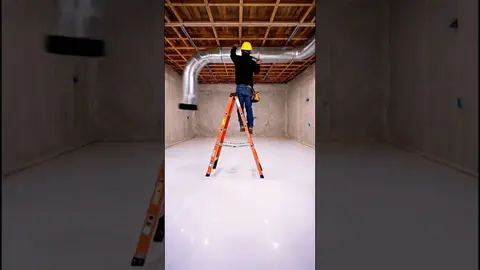 Build99 Plus46M views
 MegaWorks AI17M views
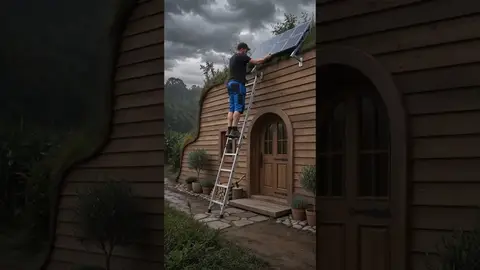 AI WorkLapse3.3M views
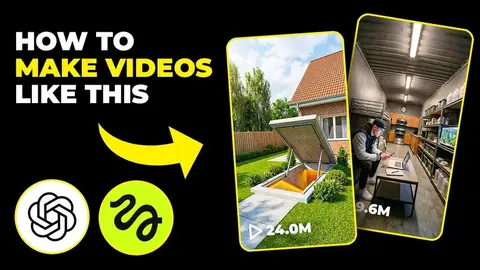 AI Rush Hour tutorial128.8K views
 Construction timelapseFree tutorial
How to make one
1Pick a shelter idea
A room people cannot scroll past: under a pool, inside a cliff, under the ocean.
2Fix the camera
Same angle in every shot, one clear build stage per shot.
3Stitch with sound
Join the clips into a short timelapse with digging and building sounds.
4Label and post daily
Mark it as AI and post one a day; repeat the ideas that work.
Write 6 shot prompts for a 20-second AI timelapse Short: [shelter idea, e.g. hidden bunker under a tree] built by one worker from empty ground to a finished cosy room. Same camera angle in every shot, one clear stage per shot (dig, frame, walls, furniture, lights on), realistic lighting, no text. End on a reveal shot.
Tools creators use
 ElevenLabsSound: Digging and building sound effectsTry →
 MagnificUpscale: Sharper first and last framesTry →
 vidIQIdeas: Find shelter ideas people search forTry →
Affiliate links. Disclosure
Video models in these cases: HiggsfieldVeoKlingChatGPT
FAQ
Do AI bunker channels make money?
They do not share it. The channels here show views and subscribers only, so treat them as reach. YouTube does not monetize mass-produced or repetitive content, so vary your builds. Source
What tools are used?
AI Rush Hour's tutorial uses Higgsfield and ChatGPT. Any video model that keeps a fixed camera across clips works. See the tutorial.
How long is a bunker Short?
Most are timelapse Shorts; one Not Your Basic Builds Short is titled "in 60 Seconds". Our template makes a 20 second version from 6 shots.
Do I have to label AI videos?
Yes for realistic ones. YouTube requires creators to disclose AI-generated or altered content that seems realistic, and Meta may add an "AI info" label. Labeling every clip as AI is the safe default. Source
More: AI survival bunker videos · Faceless channels · All answers