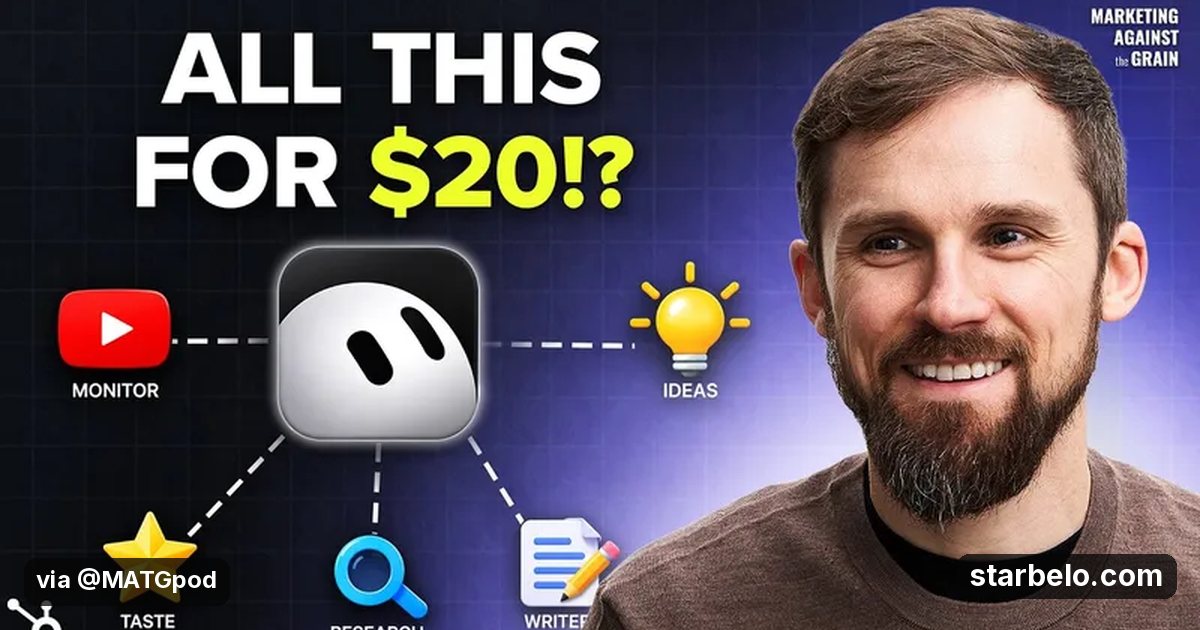
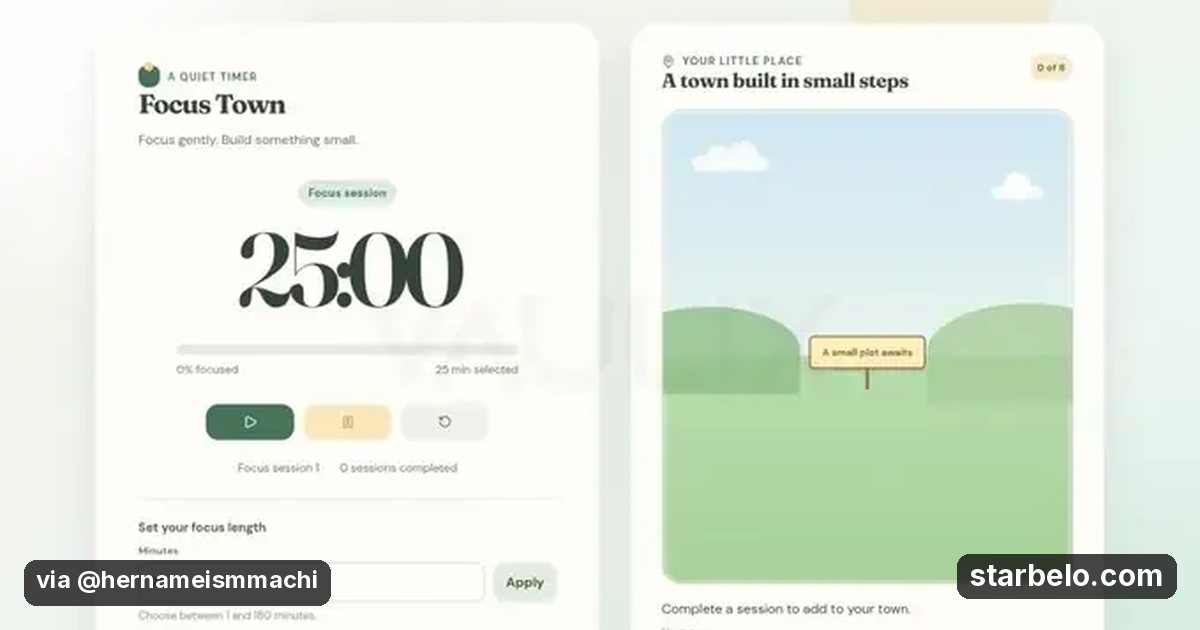
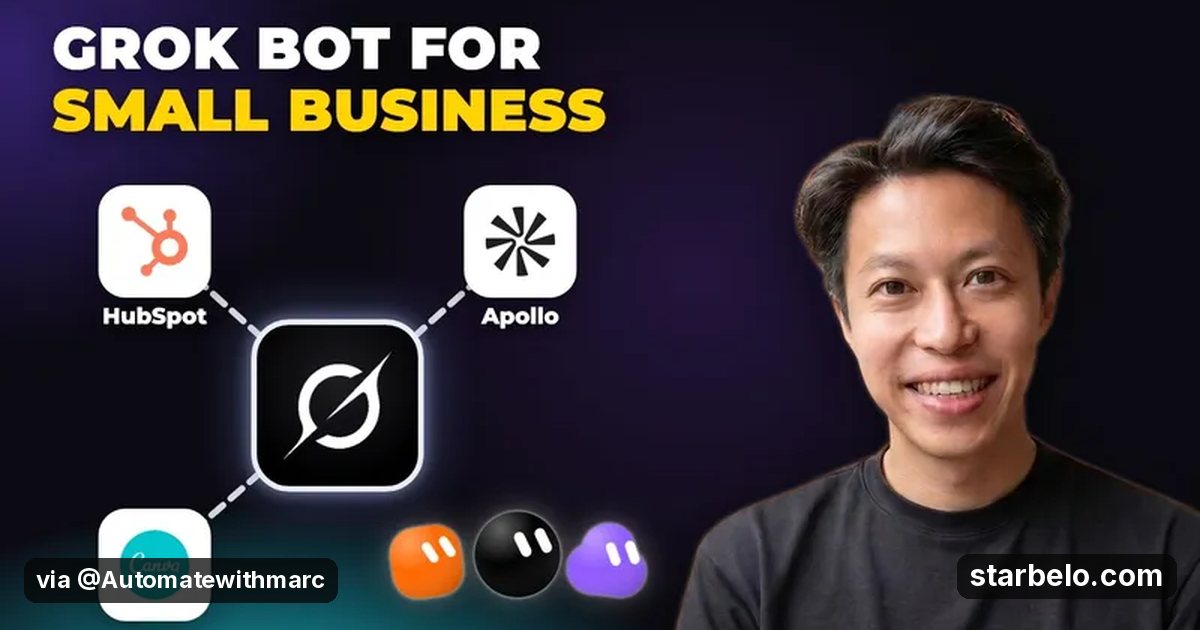
A Grok Bot agent team for small business with HubSpot, Apollo and Canva: 2.3K views
One bot you talk to that delegates to others feels like having a small staff.
From @Automatewithmarc on YouTube (Automate with Marc | AI Automation) · Oct 2026 · Share
The Short Version
How Automate with Marc | AI Automation reached 2.3K views on YouTube with Grok, HubSpot, Canva, Notion and Slack, according to YouTube (Automate with Marc | AI Automation).
- What: Automate with Marc sets up Grok Bot as an always-on team for a small business: one COO bot you talk to, plus sales and marketing bots that report to it, connected to Gmail, Slack, Google Calendar, Notion, HubSpot, Apollo and Canva.
- Result: 2,288 views on YouTube.
- Made with: Grok, HubSpot, Canva, Notion, Slack
| Who | Automate with Marc | AI Automation |
|---|---|
| Tool | Grok, HubSpot, Canva, Notion, Slack |
| Revenue | Monetization status unknown |
| Source | YouTube (Automate with Marc | AI Automation) |


Try It Yourself
(Our template, not the creator's prompt.) Act as the operator of a tiny online business: [idea]. List the first 10 tasks, mark which need a human (money, sign-ins, legal), and write a daily log template with revenue, costs and real users.
Starter tools

Your first step
Open Grok, paste the prompt above and swap the [brackets] for your own niche.
Go deeper
The workflow

Made With
Where & With What
What They Did
- 1The moveAutomate with Marc sets up Grok Bot as an always-on team for a small business: one COO bot you talk to, plus sales and marketing bots that report to it, connected to Gmail, Slack, Google Calendar, Notion, HubSpot, Apollo and Canva.
- 2The setupGive the agent one clear idea
- 3The makingApprove anything that spends money
- 4Result2,288 views on YouTube.
How it works and what you need
How it works
- Give the agent one clear idea
- Approve anything that spends money
- Log revenue, costs and real users daily
- Judge it on customers, not on output
What you need
- Grok: AI assistant with live X context (free plan)
- HubSpot: HubSpot's Agent Hub to run, build and manage AI agents
- Canva: Design for Pins, carousels, covers and simple apps (free plan)
- Notion: Docs and databases; many creators sell Notion templates (free plan)
- Slack: Team chat with alerts and app integrations (free plan)
- An account on YouTube & Shorts
Quick Answers
What tools do you need?
Grok (ai assistant with live x context); HubSpot (hubspot's agent hub to run, build and manage ai agents); Canva (design for pins, carousels, covers and simple apps); Notion (docs and databases; many creators sell notion templates); Slack (team chat with alerts and app integrations).
How much does it cost?
You can start for $0: Grok, Canva, Notion, Slack have a free plan. HubSpot is paid or trial-based. Check each tool's site for current prices.
Is it allowed?
Yes, if it is original. YouTube does not monetize mass-produced or repetitive content. Source.
Watch out: Give each bot only the app access its job needs.
Full write-up & sources
Related Guides & Hubs
People Also Searched
More Like This
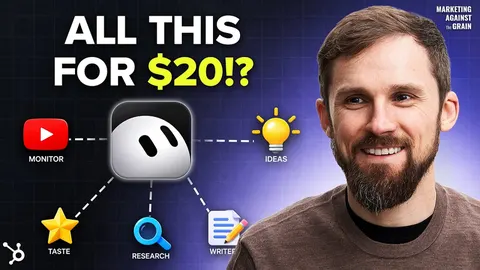 GrokREACHAI WorkflowsBot Content Team7.2Kviews
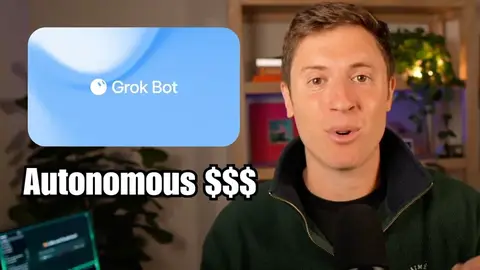 GrokREACHAI WorkflowsBot Autonomous Business128.6Kviews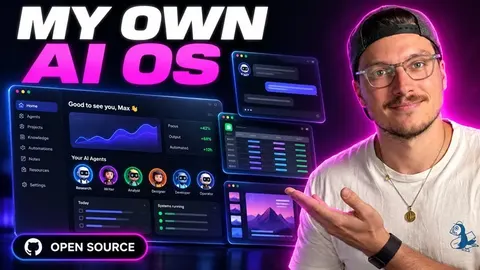
 Claude CodeREACHAI WorkflowsAI Personal OS58.9Kviews
 GrokREACHAI Workflows14 Best Grok Bots122Kviews
 GrokREACHAI WorkflowsOne-Person Grok Bot Biz139.4Kviews
 GrokREACHAI Workflows7-Bot Sales Team255.6Kviews
 GrokREACHAI WorkflowsBot for Beginners367Kviews
 GrokREACHAI WorkflowsBot Twin Team359.5Kviews
Featured on Starbelo
Is this your work? Share it, or add the badge to your site.

<a href="https://starbelo.com/use-case/automate-with-marc-grok-bot-small-business-agent-team/" target="_blank" rel="noopener"><img src="https://starbelo.com/badge/featured-on-starbelo.svg" alt="Featured on Starbelo" width="220" height="48"></a>
Something wrong or out of date? Email [email protected] and we will fix it.