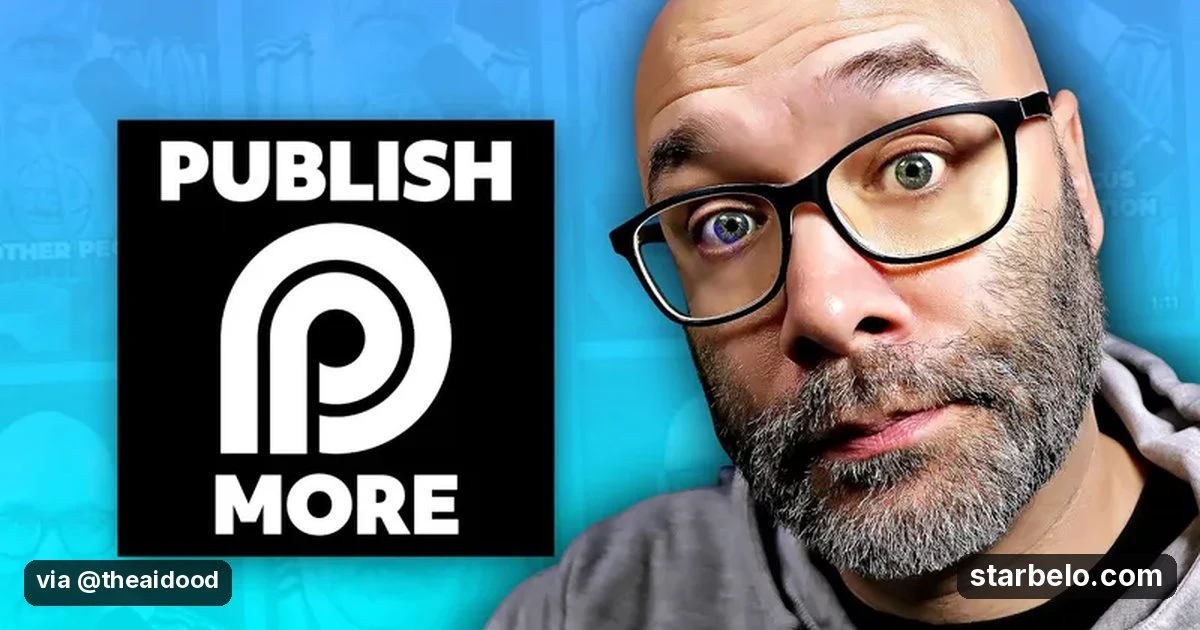
Turn One Long Video Into a Week of Shorts With a 4-Step OpusClip System: 101K Views
One recording becomes a week of posts, so you stay consistent without editing for hours.
From @BeerMoneyForum on YouTube (BMF MEDIA) · Mar 2026 · Share
 See how creators use Opus Clip13 real creator cases
The Short Version
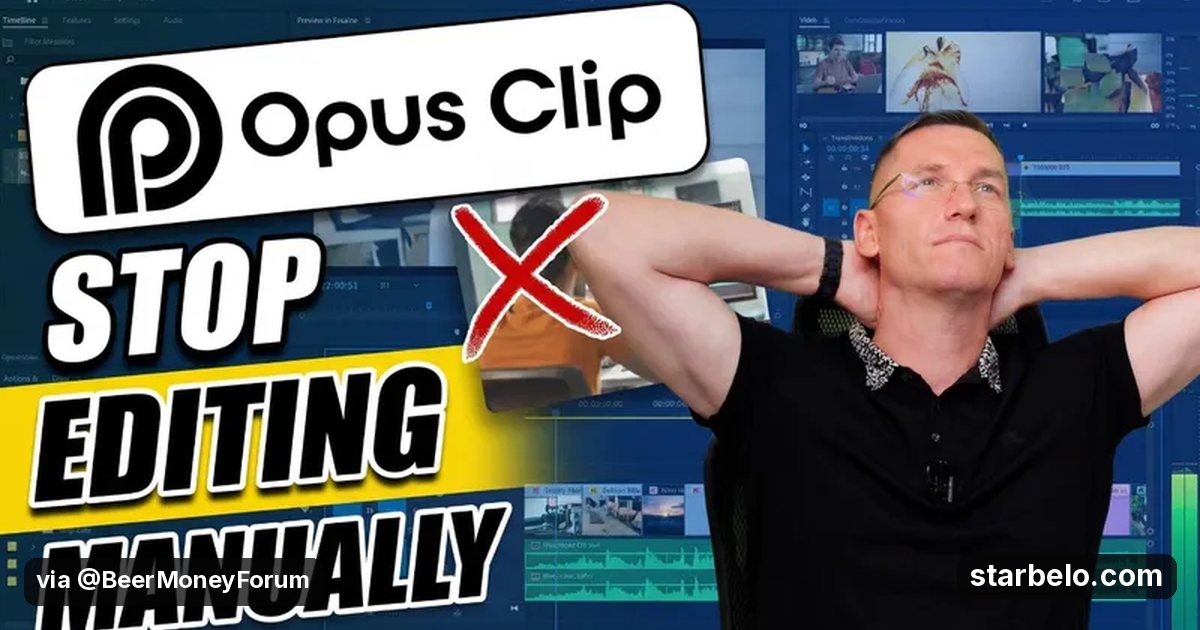
How BMF MEDIA (YouTube) reached 101K views on YouTube with Opus Clip, according to YouTube (BMF MEDIA).
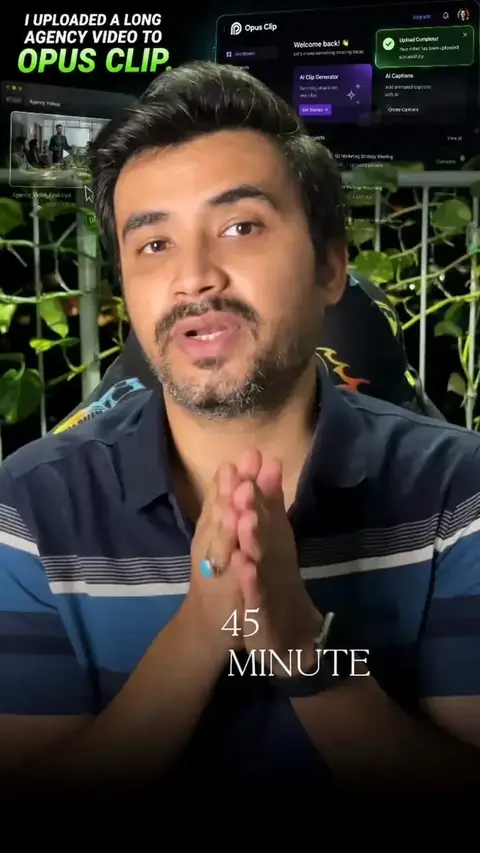
- What: BMF Media shows a 4-step OpusClip workflow: drop in a podcast, webinar, tutorial or Zoom recording, let OpusClip find the strongest moments, brand the captions, auto-reframe to vertical and export clips for TikTok, Reels and Shorts, including from a phone.
- Result: 100,964 views on YouTube.
- Made with: Opus Clip
| Who | BMF MEDIA (YouTube) |
|---|---|
| Tool | Opus Clip |
| Revenue | Monetization status unknown |
| Source | YouTube (BMF MEDIA) |




Try It Yourself
(Our template, not the creator's prompt.) Here is my long video transcript: [paste]. Pick the 7 moments most likely to work as standalone Shorts. For each give the start and end timestamps, a hook line for the first 2 seconds and a caption.
Starter tools
Your first step
Open Opus Clip, paste the prompt above and swap the [brackets] for your own niche.
Affiliate links above; see Disclosure.
Go deeper
The workflow
Made With
Some links are affiliate links: Starbelo may earn a commission at no extra cost to you. Disclosure.
Where & With What
What They Did
- 1The moveBMF Media shows a 4-step OpusClip workflow: drop in a podcast, webinar, tutorial or Zoom recording, let OpusClip find the strongest moments, brand the captions, auto-reframe to vertical and export clips for TikTok, Reels and Shorts, including from a phone.
- 2The setupUpload a long video to OpusClip
- 3The makingReview the suggested clips
- 4Result100,964 views on YouTube.
How it works and what you need
How it works
- Upload a long video to OpusClip
- Review the suggested clips
- Brand captions and reframe to vertical
- Schedule a week of posts
What you need
- Opus Clip: Turns long videos into captioned short clips (free plan)
- An account on YouTube & Shorts
Quick Answers
What tools do you need?
Opus Clip (turns long videos into captioned short clips).
How much does it cost?
You can start for $0: Opus Clip has a free plan. Check each tool's site for current prices.
Is it allowed?
Yes, if it is original. YouTube does not monetize mass-produced or repetitive content. Source.
Watch out: AI picks are a starting point. Trim weak openings and check that each clip makes sense on its own.
More Like This
 Opus ClipAI Workflows40-Min Walkthrough to Shorts
 Opus ClipAI Workflows12 Clips in 8 Minutes12 Clips
 Opus ClipAI WorkflowsStand-Up Comedy Clips
 Opus ClipAI WorkflowsEbonie Dion, AI Short Clips2 Months
 Opus ClipAI WorkflowsViral Nation6M Views
 Opus ClipREACHAI WorkflowsOpusClip AI Clipping193.1Kviews
 ClaudeAI WorkflowsPodcast Catalog to Daily Shorts
 ClaudeAI WorkflowsHiggsfield, ElevenLabs Stack
Featured on Starbelo
Is this your work? Share it, or add the badge to your site.

<a href="https://starbelo.com/use-case/bmf-media-4-step-opusclip-system-viral-shorts/" target="_blank" rel="noopener"><img src="https://starbelo.com/badge/featured-on-starbelo.svg" alt="Featured on Starbelo" width="220" height="48"></a>
Something wrong or out of date? Email [email protected] and we will fix it.