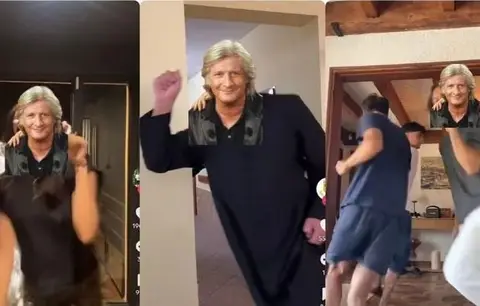
Put yourself into any video with one photo: Hermosso Motion Transfer
Recasting a trending clip with your own face is one of the fastest ways to ride a trend without filming anything.
From hermosso.com · Oct 2026 · Share
The Short Version
How Hermosso did it with Hermosso: An official demo on hermosso.com.
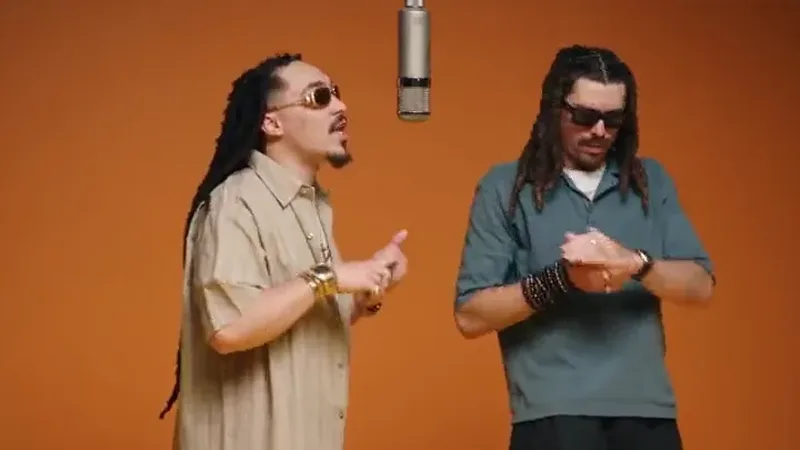
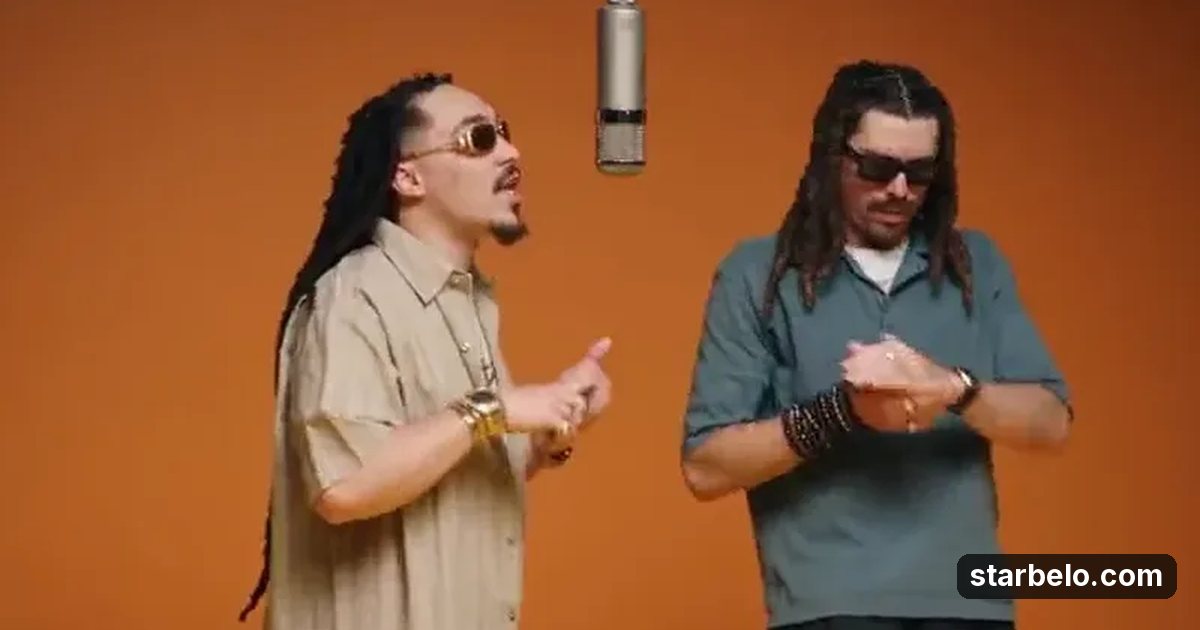
- What: Hermosso's Motion Transfer demo shows two rappers performing in an orange studio, recast from photos.
- Result: An official demo on hermosso.com.
- Made with: Hermosso
| Who | Hermosso |
|---|---|
| Tool | Hermosso |
| Revenue | Monetization status unknown |
| Source | hermosso.com |
The workflow
Made With
 HermossoImages · AI photo and video studio: photoshoots of you from a few selfies, top image and video models, motion transfer and upscalingTry HermossoMore Cases
Where & With What
What They Did
- 1The moveHermosso's Motion Transfer demo shows two rappers performing in an orange studio, recast from photos.
- 2Step 2Pick a trending clip with clear movement
- 3Step 3Upload one clear photo per person
- 4ResultAn official demo on hermosso.com.
Quick Answers
What tools do you need?
Hermosso (ai photo and video studio: photoshoots of you from a few selfies, top image and video models, motion transfer and upscaling).
How much does it cost?
You can start for $0: Hermosso has a free plan. Check each tool's site for current prices.
Is it allowed?
Follow the platform rules and disclose ads.
Watch out: Only use faces you have consent for and clips you have rights to. Label the result as AI.
Try It Yourself
(Our template, not Hermosso's.) Pick a 10 second trending clip with one or two people and clear movement. Upload one sharp, front facing photo per person in left to right order, keep the original sound, render at 1080P, then add a caption that shows the original next to yours.
Starter tools
Your first step
Open Hermosso, paste the prompt above and swap the [brackets] for your own niche.
Full write-up & sources
More detail: You upload one photo per person (up to four), pick a reference clip of 5 to 30 seconds, and the people in your photos perform its movement with the original sound kept. It runs on MiniMax's Hailuo H3 Max Recast, and a second mode restyles the scene while keeping the person.
Results: No views or earnings are shared.
Related Guides & Hubs
People Also Searched
Featured on Starbelo
Is this your work? Share it, or add the badge to your site.

<a href="https://starbelo.com/use-case/hermosso-motion-transfer-put-yourself-in-any-video/" target="_blank" rel="noopener"><img src="https://starbelo.com/badge/featured-on-starbelo.svg" alt="Featured on Starbelo" width="220" height="48"></a>
Something wrong or out of date? Email [email protected] and we will fix it.