Trending Formats
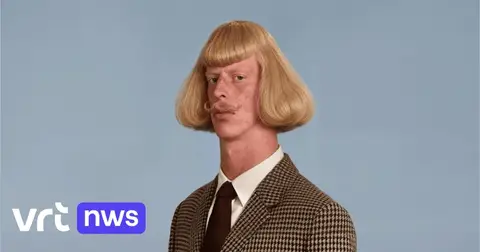
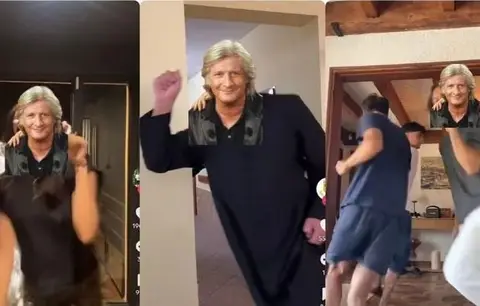
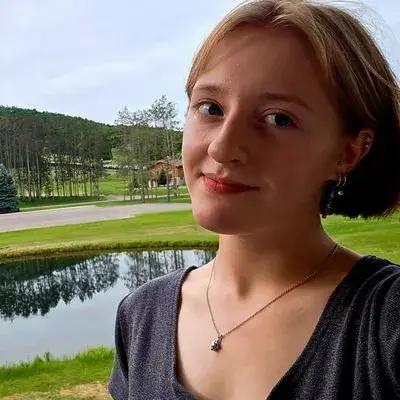
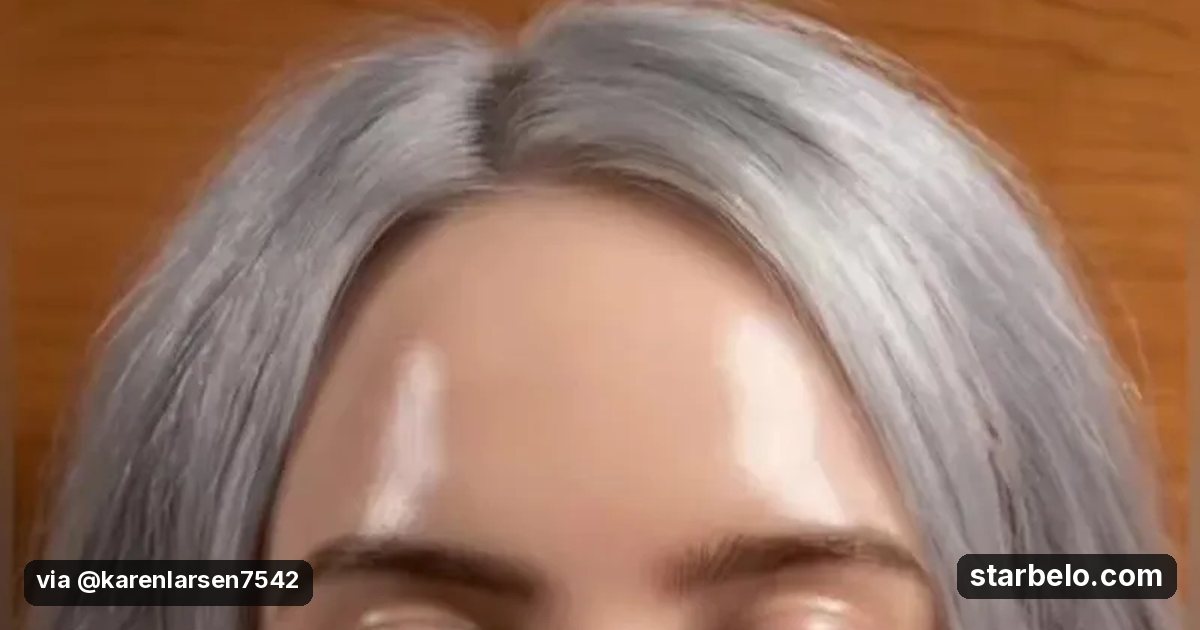
Do the squishy face AI trend with your photo: 627K plays
Filters on your own photo are fast to make and easy to share.
626.9Kplays on TikTok
6Klikes
43.9Kfollowers
From @karenlarsen7542 on TikTok (@karenlarsen7542) · Oct 2026 · Share
Watch the Video
The Short Version
How @karenlarsen7542 reached 626.9K plays on TikTok, according to TikTok (@karenlarsen7542).
- What: @karenlarsen7542 used her own photo to make a squishy face AI filter video and explained how to make it.
- Result: 626,900 plays, 6,019 likes and 4,296 shares on TikTok, posted May 9, 2026. @karenlarsen7542 has 43.9K followers.
| Who | @karenlarsen7542 |
|---|---|
| Tool | |
| Revenue | Monetization status unknown |
| Source | TikTok (@karenlarsen7542) |
The workflow
GoalTrending Formats
626.9KResultplays on TikTok
Where & With What
What They Did
- 1The move@karenlarsen7542 used her own photo to make a squishy face AI filter video and explained how to make it.
- 2Step 2Spot a rising AI trend early
- 3Step 3Make your own version with a twist
- 4Result626,900 plays, 6,019 likes and 4,296 shares on TikTok, posted May 9, 2026. @karenlarsen7542 has 43.9K followers.
Quick Answers
What tools do you need?
Just the platform account.
How much does it cost?
No paid tools needed: this case uses only the platform itself, which is free to join.
Is it allowed?
Yes. Disclose ads and label realistic AI content using TikTok's AI label. Source.
Watch out: Only use photos you have rights to.
Try It Yourself
Prompt
(Our template, not the creator's prompt.) Write 3 versions of the [trend] AI clip for my account about [niche]: the setup shot, the twist, the payoff in under 10 seconds, and the caption with an AI label.
Your first step
Paste the prompt into your AI assistant and swap the [brackets] for your own niche.
Full write-up & sources
Related Guides & Hubs
People Also Searched
Featured on Starbelo
Is this your work? Share it, or add the badge to your site.
Badge for your site or link page
<a href="https://starbelo.com/use-case/squishy-face-ai-trend-karenlarsen/" target="_blank" rel="noopener"><img src="https://starbelo.com/badge/featured-on-starbelo.svg" alt="Featured on Starbelo" width="220" height="48"></a>
Something wrong or out of date? Email [email protected] and we will fix it.