Tell a story in one short film with Kling 4.0: 164K views
AI films can now pull big audiences on YouTube.
Official showcase films show what the newest model can do, which is great reference for your own shots.
From @Kling_ai on YouTube (Kling AI) · Oct 2026 · Share
The Short Version
How Kling AI reached 163.5K views on YouTube with Kling, according to YouTube (Kling AI).
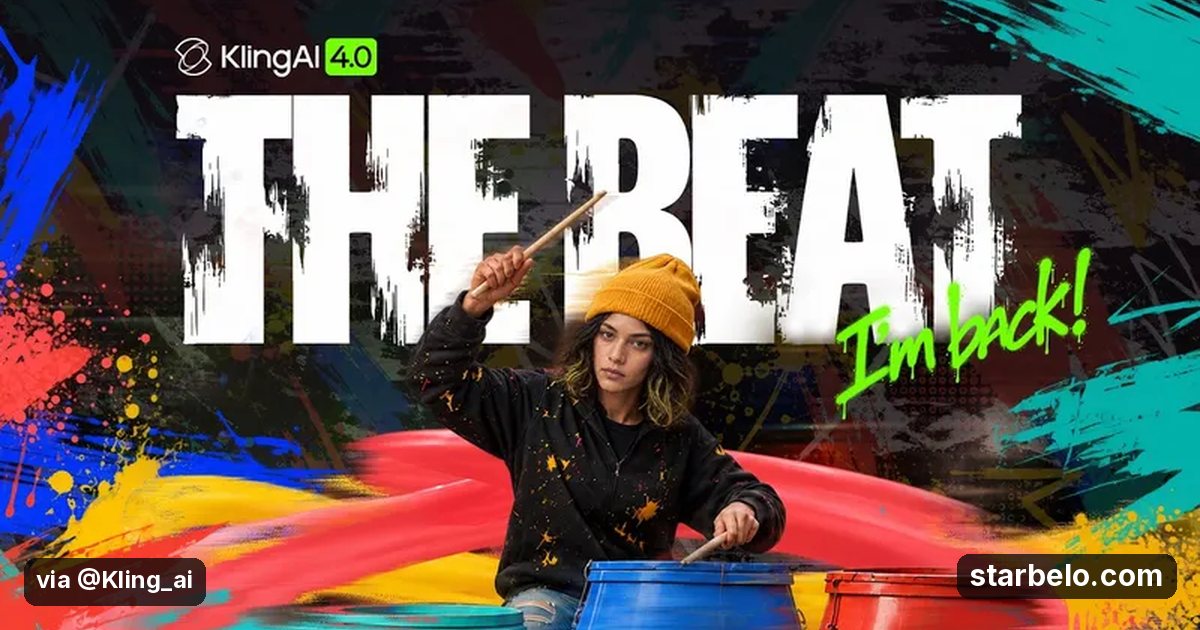
- What: Kling AI released THE BEAT, a short made with Kling 4.0 that follows a drummer's journey back to the stage.
- Result: 163,543 views on YouTube.
- Made with: Kling
| Who | Kling AI |
|---|---|
| Tool | Kling |
| Revenue | Monetization status unknown |
| Source | YouTube (Kling AI) |
The workflow
Made With
 KlingGenerate · AI video with motion controlTry KlingMore Cases
Where & With What
What They Did
- 1The moveKling AI released THE BEAT, a short made with Kling 4.0 that follows a drummer's journey back to the stage.
- 2Step 2Pick one premise and one look
- 3Step 3Lock a character sheet
- 4Result163,543 views on YouTube.
Quick Answers
What tools do you need?
Kling (ai video with motion control).
How much does it cost?
You can start for $0: Kling has a free plan. Check each tool's site for current prices.
Is it allowed?
Yes, if it is original. YouTube does not monetize mass-produced or repetitive content. Source.
Watch out: Official demos are polished best cases; budget for more takes.
Try It Yourself
(Our template, not the creator's prompt.) Write a 2-minute AI short film in 10 shots: [premise]. For each shot give the setting, the camera move, the action and the sound. Add a short character sheet (face, hair, clothes) I can paste into every shot prompt so the lead stays the same.
Starter tools
Your first step
Open Kling, paste the prompt above and swap the [brackets] for your own niche.
Full write-up & sources
Related Guides & Hubs
People Also Searched
Featured on Starbelo
Is this your work? Share it, or add the badge to your site.

<a href="https://starbelo.com/use-case/the-beat-kling-4-official-short/" target="_blank" rel="noopener"><img src="https://starbelo.com/badge/featured-on-starbelo.svg" alt="Featured on Starbelo" width="220" height="48"></a>
Something wrong or out of date? Email [email protected] and we will fix it.