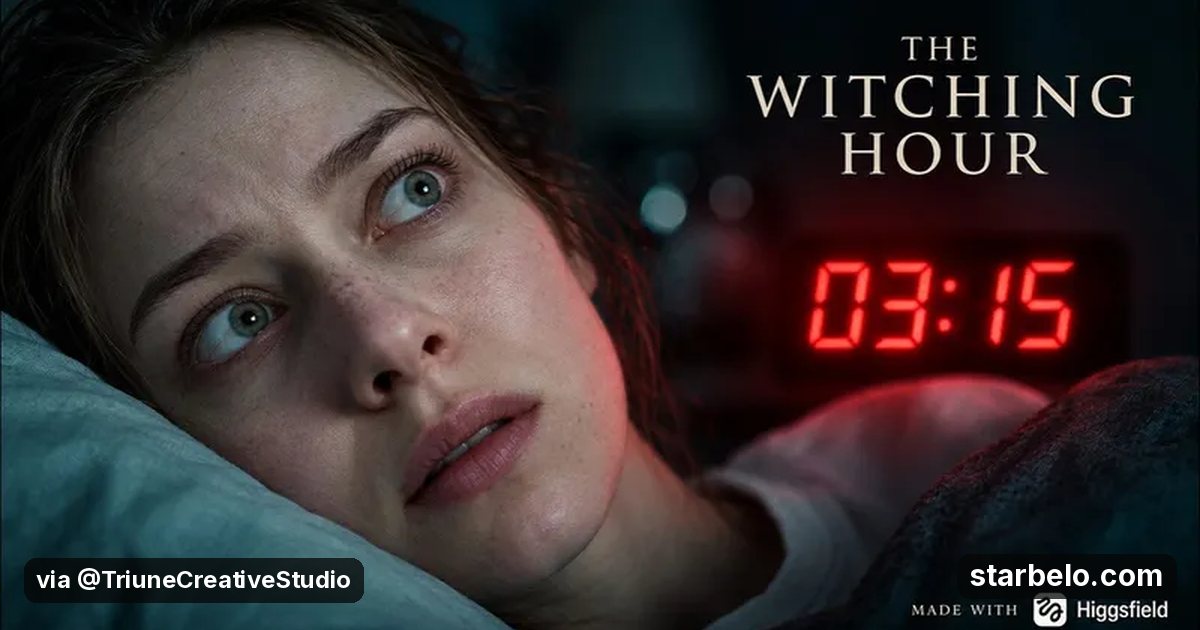
Make an AI horror short with Higgsfield and sell the breakdown on Patreon like Triune Studio: 27K views
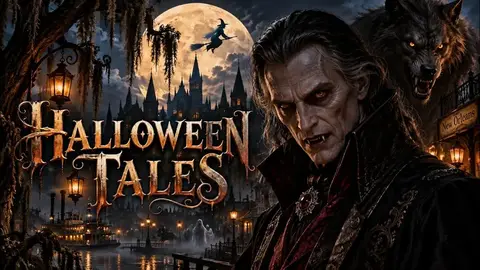
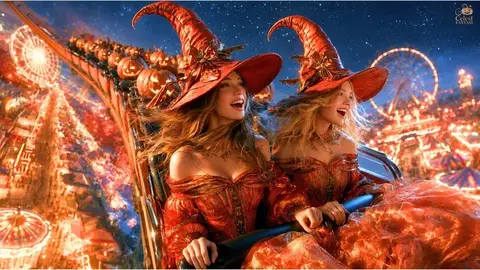
A Halloween AI video can pull big seasonal views in the weeks before Oct 31.
Selling the production breakdown on Patreon earns from other creators, not just from viewers.
Figures as shown on YouTube (checked Oct 21, 2026) · source
From @TriuneCreativeStudio on YouTube (Triune Studio) · Oct 2026 · Share
The Short Version
How Triune Studio reached 27.1K views with Higgsfield, according to YouTube (Triune Studio).
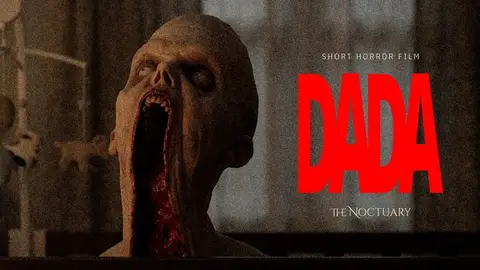
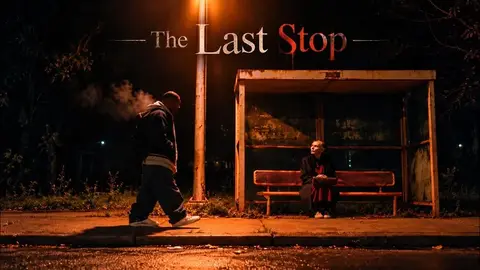
- What: Triune Studio released "03:15 — The Witching Hour", an 8-minute slow-burn AI horror short.
- Result: 27,072 views and 357 likes since it was posted on Sep 17, 2026; the channel has 172 subscribers (YouTube, Oct 21, 2026).
- Made with: Higgsfield
| Who | Triune Studio |
|---|---|
| Tool | Higgsfield |
| Money | Not disclosed |
| Timeframe | Oct 2026 |
| Source | YouTube (Triune Studio) |
| Self-reported | No: numbers shown on the platform |
The workflow
Made With
 HiggsfieldGenerate · AI video and image generationTry Higgsfield AIMore Cases
Where & With What
What They Did
- 1The moveTriune Studio released "03:15 — The Witching Hour", an 8-minute slow-burn AI horror short.
- 2Step 2Pick one simple Halloween premise
- 3Step 3Lock a character sheet and a visual style
- 4Result27,072 views and 357 likes since it was posted on Sep 17, 2026; the channel has 172 subscribers (YouTube, Oct 21, 2026).
Quick Answers
What tools do you need?
Higgsfield (ai video and image generation).
How much does it cost?
Higgsfield is paid or trial-based. Check each tool's site for current prices.
Is it allowed?
Yes, if it is original. YouTube does not monetize mass-produced or repetitive content. Source.
Watch out: Seasonal content peaks before Oct 31; plan the next holiday so the channel doesn't stall in November. The Higgsfield link is an affiliate link.
Try It Yourself
(Our template, not the creator's prompt.) Write a 3-minute Halloween AI short in 8 shots: [premise]. For each shot give the setting, the camera move, the one thing that happens and the sound. Keep one main character consistent with a short character sheet I can paste into every shot prompt.
Starter tools
Your first step
Open Higgsfield, paste the prompt above and swap the [brackets] for your own niche.
Full write-up & sources
More detail: The description lists Higgsfield for image and video generation and links a Patreon post with "every prompt, every shot, every mistake" of the production.
Source: @TriuneCreativeStudio on YouTube (Triune Studio) · Oct 2026. Summarised in our own words; figures as shown on YouTube (checked Oct 21, 2026). Updated .
Related Guides & Hubs
People Also Searched
Featured on Starbelo
Is this your work? Share it, or add the badge to your site.

<a href="https://starbelo.com/use-case/0315-witching-hour-ai-horror-short-higgsfield-27k/" target="_blank" rel="noopener"><img src="https://starbelo.com/badge/featured-on-starbelo.svg" alt="Featured on Starbelo" width="220" height="48"></a>
Something wrong or out of date? Email [email protected] and we will fix it.