





















Direct AI Voice Acting Line by Line With Fish Audio: 48.7K Views
 See how creators use Fish AudioReal creator cases
The Short Version
How AI Filmmaking Academy (YouTube) reached 48.7K views on YouTube with Fish Audio, according to YouTube (AI Filmmaking Academy).
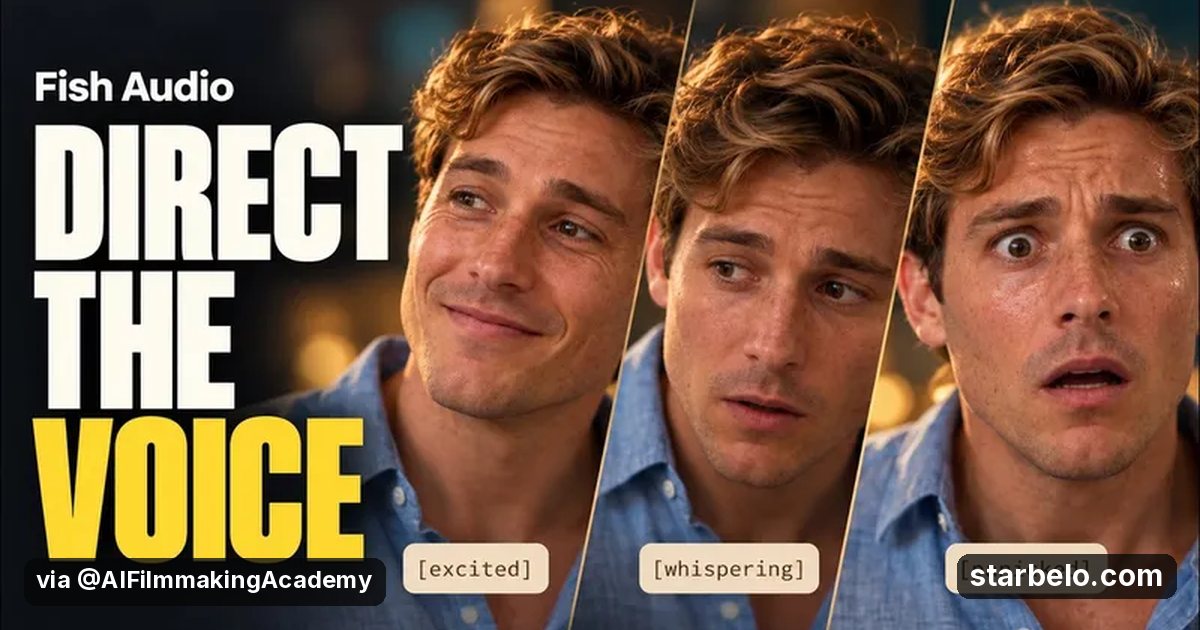
- What: AI Filmmaking Academy builds two short scenes with Fish Audio S2.1 Pro and treats each generation like an actor's take, placing whispers, breaths, hesitation and anger exactly where the scene needs them.
- Result: 48,738 views on YouTube, posted Oct 23, 2026.
- Made with: Fish Audio
| Who | AI Filmmaking Academy (YouTube) |
|---|---|
| Tool | Fish Audio |
| Revenue | Monetization status unknown |
| Source | YouTube (AI Filmmaking Academy) |




Try It Yourself
(Our template, not the creator's prompt.) Here is a scene: [paste dialogue]. For each line, add one direction in brackets, such as whisper, breath or rising anger, so an AI voice can act it.
Starter tools
Your first step
Open Fish Audio, paste the prompt above and swap the [brackets] for your own niche.
Affiliate links above; see Disclosure.
 Quick answer: How do you make an AI short film?Steps, examples, a copy prompt and tools
Go deeper
The workflow
Made With
Some links are affiliate links: Starbelo may earn a commission at no extra cost to you. Disclosure.
Where & With What
What They Did
- 1The moveAI Filmmaking Academy builds two short scenes with Fish Audio S2.1 Pro and treats each generation like an actor's take, placing whispers, breaths, hesitation and anger exactly where the scene needs them.
- 2The setupWrite the scene dialogue
- 3The makingAdd emotion directions per line
- 4Result48,738 views on YouTube, posted Oct 23, 2026.
How it works and what you need
How it works
- Write the scene dialogue
- Add emotion directions per line
- Generate takes in Fish Audio
- Keep the best take for each line
What you need
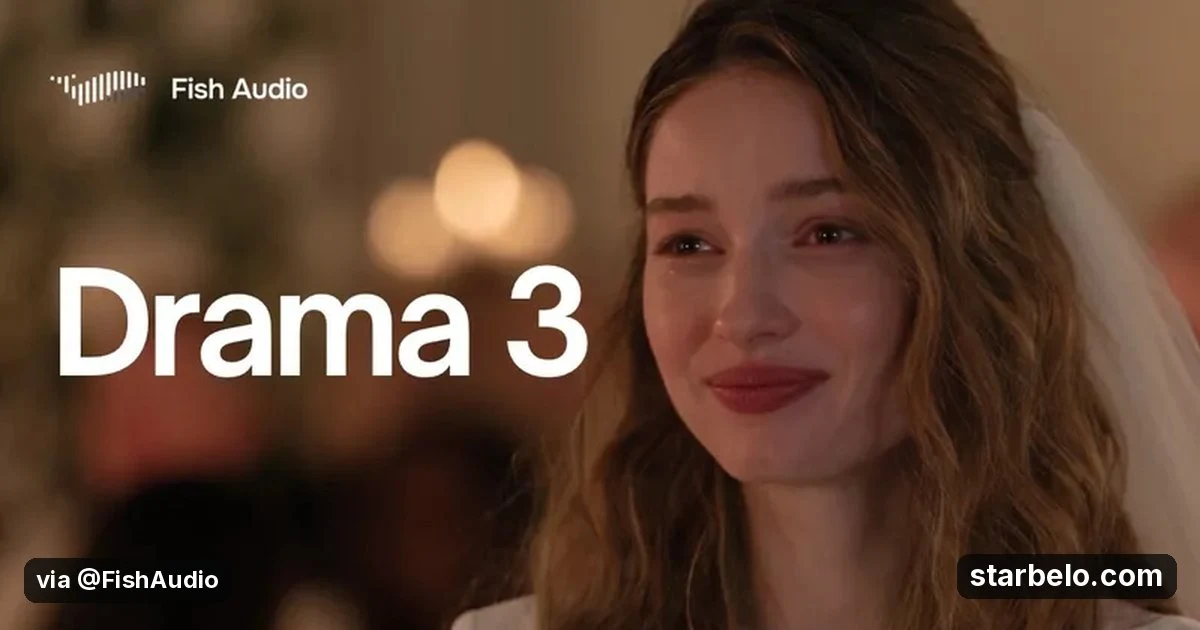
- Fish Audio: AI text to speech, voice cloning and voice agents, including Drama 3 (free plan)
- An account on YouTube & Shorts
Quick Answers
What tools do you need?
Fish Audio (ai text to speech, voice cloning and voice agents, including drama 3).
How much does it cost?
You can start for $0: Fish Audio has a free plan. Check each tool's site for current prices.
Is it allowed?
Yes, if it is original. YouTube does not monetize mass-produced or repetitive content. Source.
Watch out: This is a sponsored test, and launch discounts in the description are time limited. Check current pricing on Fish Audio.
Full write-up & sources
Results: The description marks the video as sponsored by Fish Audio.
Worth knowing: Directing emotion per line is the fix.
Related Guides & Hubs
People Also Searched
Also see Mirelo: an AI audio editor that adds sound effects, music and dubs to a video from a prompt. SFX 2.0 is 33% off official usage rates until December 12, 2026.
What to Try Next


More Like This
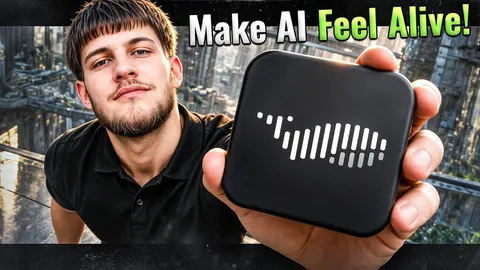
 Fish AudioREACHAI Films & TrailersAI Frontier Fish Audio Film3.9Kviews
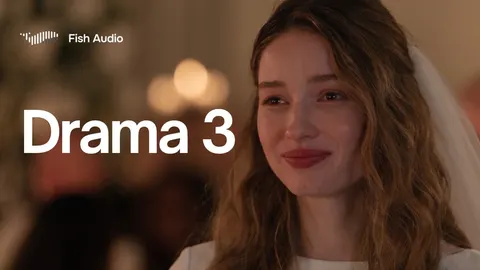
 Fish AudioREACHAI Films & TrailersSanky Fish Audio Drama 344.2Kviews
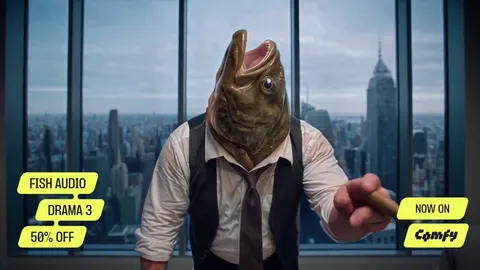
 Fish AudioREACHAI Films & TrailersDrama 3 Guide760.1Kviews
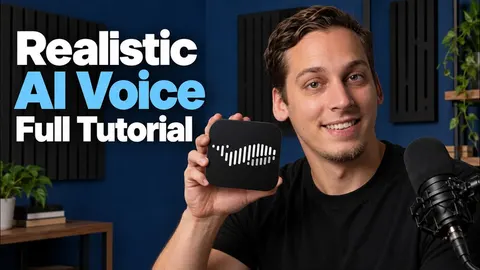
 Fish AudioREACHAI Films & TrailersComfyUI Drama 3 Scenes3.8Kviews
 Fish AudioREACHAI Films & TrailersLukas Kern Robot Comic1.1Kviews
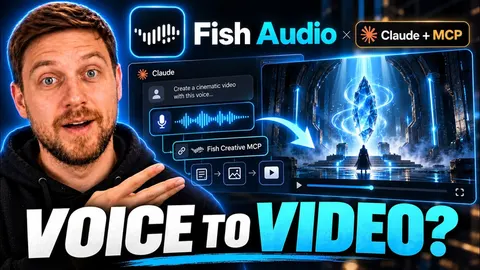 Fish AudioREACHAI Films & TrailersMinds SOS Fish MCP5.2Kviews
 MidjourneyREACHAI Films & TrailersHarry Potter by Balenciaga14.8Mviews506Kfollowers
 ChatGPTREACHAI Films & TrailersAI Fake Director Trailer3.29Mviews277Kfollowers
Featured on Starbelo
Is this your work? Share it with your audience.
Something wrong or out of date? Email [email protected] and we will fix it.
Paste this on your site, link in bio page or newsletter. It links back to this page. How the badge works
<a href="https://starbelo.com/use-case/ai-filmmaking-academy-fish-audio-voice-acting/?utm_source=badge&utm_medium=embed&utm_campaign=ai-filmmaking-academy-fish-audio-voice-acting" title="Featured on Starbelo"><img src="https://starbelo.com/badge/featured-on-starbelo.svg" alt="Featured on Starbelo" width="220" height="48"></a>