Make Cinematic AI News Videos for YouTube With ElevenLabs Voiceovers: 47K Views
The Short Version
How AiVyro (YouTube) reached 47K views on YouTube with ElevenLabs, Veo, CapCut and ChatGPT, according to YouTube (AiVyro).
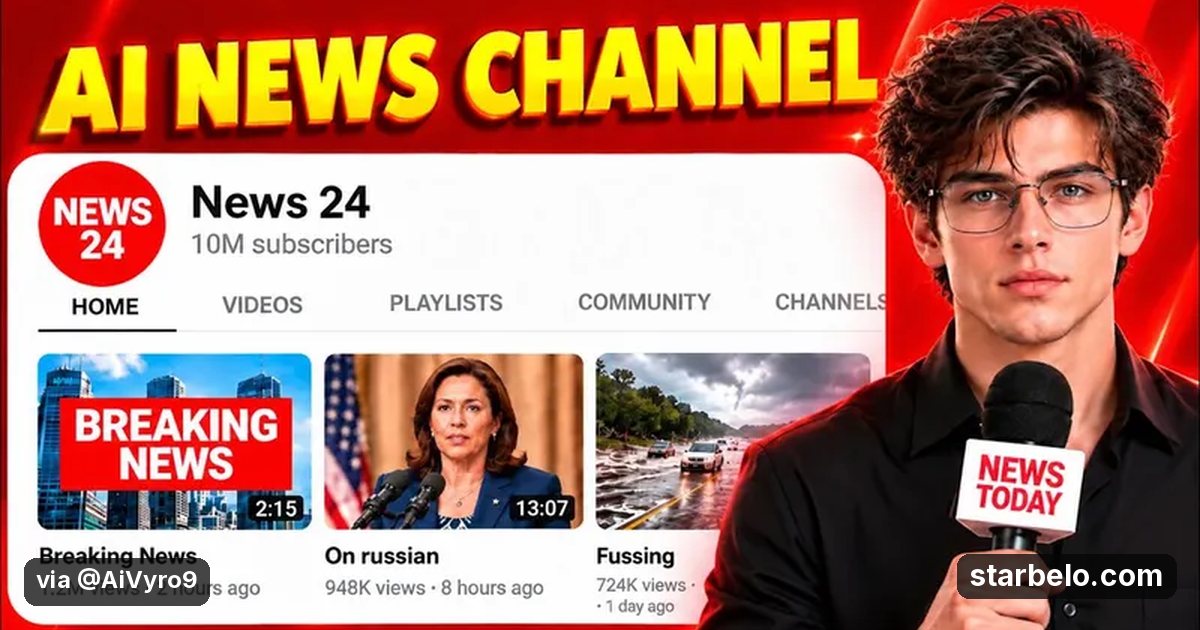
- What: AiVyro shows a beginner workflow for AI news videos: find viral news topics, write a high-retention script, make cinematic visuals and Veo3 clips, add an ElevenLabs voiceover and edit in CapCut.
- Result: 47,042 views on YouTube.
- Made with: ElevenLabs, Veo, CapCut, ChatGPT
| Who | AiVyro (YouTube) |
|---|---|
| Tool | ElevenLabs, Veo, CapCut, ChatGPT |
| Revenue | Monetization status unknown |
| Source | YouTube (AiVyro) |




Try It Yourself
(Our template, not the creator's prompt.) Turn this news story into a 60-second video script: [paste summary]. Open with a hook, state only facts from the source, give 6 scenes with a visual idea each, and end with one question for the comments. Mark any line that needs a source.
Your first step
Open ChatGPT, paste the prompt above and swap the [brackets] for your own niche.
Affiliate links above; see Disclosure.
Go deeper
The workflow

Made With
Some links are affiliate links: Starbelo may earn a commission at no extra cost to you. Disclosure.
Where & With What
What They Did
- 1The moveAiVyro shows a beginner workflow for AI news videos: find viral news topics, write a high-retention script, make cinematic visuals and Veo3 clips, add an ElevenLabs voiceover and edit in CapCut.
- 2The setupFind a trending news topic
- 3The makingWrite the script with AI
- 4Result47,042 views on YouTube.
How it works and what you need
How it works
- Find a trending news topic
- Write the script with AI
- Generate visuals and clips
- Add the ElevenLabs voice and edit in CapCut
What you need
- ElevenLabs: AI voice-over (free plan)
- Veo: Google's AI video model with native sound (Veo 3), used in Gemini and Flow
- CapCut: Video editor with auto-captions (free plan)
- ChatGPT: OpenAI's AI assistant for ideas, scripts and planning (free plan)
- An account on YouTube & Shorts
Quick Answers
What tools do you need?
ElevenLabs (ai voice-over); Veo (google's ai video model with native sound (veo 3), used in gemini and flow); CapCut (video editor with auto-captions); ChatGPT (openai's ai assistant for ideas, scripts and planning).
How much does it cost?
You can start for $0: ElevenLabs, CapCut, ChatGPT have a free plan. Veo is paid or trial-based. Check each tool's site for current prices.
Is it allowed?
Yes, if it is original. YouTube does not monetize mass-produced or repetitive content. Source.
Watch out: Fact check every script, since news channels get corrections and strikes if they publish wrong claims.
Full write-up & sources
More detail: The tool list also names ChatGPT, Google Gemini, Canva and Leonardo AI.
Related Guides & Hubs
People Also Searched
More Like This
 ChatGPTREVENUEFaceless ContentBodycam Channel, $17.7K Month$17,700earned44.8Kviews
 ChatGPTREACHFaceless ContentFree Stickman Animation68.7Kviews
 ChatGPTFaceless Content$74 a Month Faceless Channel
 vidIQREVENUEFaceless ContentOutlier-Led Faceless Channel$65,000/moearned35.2Kviews
 ElevenLabsREVENUEFaceless ContentAI Avatar Channel, Cloned Voice$20,000earned37.1Kviews
 ElevenLabsREVENUEFaceless ContentPodcast Commentary Faceless Channel$45,467earned25.6Kviews
 ClaudeREVENUEFaceless ContentFaceless YouTube$24Kearned1.6Mviews
 ElevenLabsREVENUEFaceless ContentRomayroh Faceless YouTube$10K/moearned249.1Kviews
Featured on Starbelo
Is this your work? Share it, or add the badge to your site.

<a href="https://starbelo.com/use-case/aivyro-viral-ai-news-videos-elevenlabs-veo/" target="_blank" rel="noopener"><img src="https://starbelo.com/badge/featured-on-starbelo.svg" alt="Featured on Starbelo" width="220" height="48"></a>
Something wrong or out of date? Email [email protected] and we will fix it.