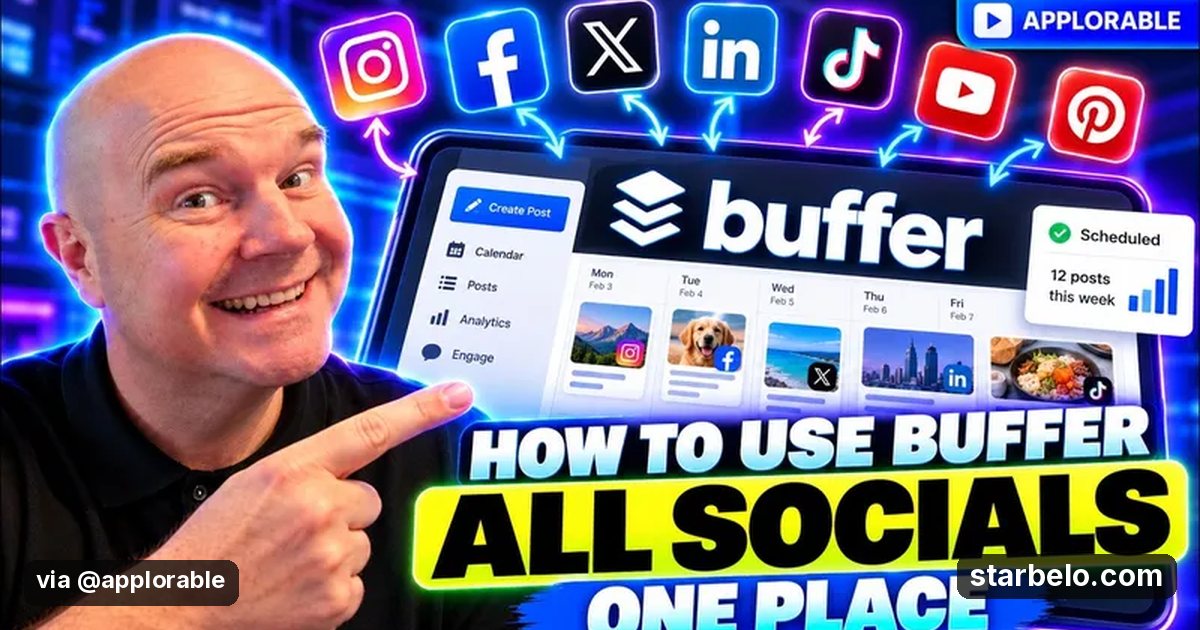
How to schedule all your social posts in Buffer
A steady posting schedule is how new accounts find first followers.
From @applorable on YouTube (Applorable) · Nov 2026 · Share
 See how creators use Buffer1 real creator case
The Short Version
How Applorable reached 594 views on YouTube with Buffer, according to YouTube (Applorable).
- What: Applorable walks through scheduling posts for every social account in one place with Buffer.
- Result: 594 views on YouTube.
- Made with: Buffer
| Who | Applorable |
|---|---|
| Tool | Buffer |
| Revenue | Monetization status unknown |
| Source | YouTube (Applorable) |



Try It Yourself
(Our template, not the creator's prompt.) Plan one week of posts for [niche] on X, LinkedIn and Instagram: one core idea per day, a hook and short post for each platform, and one image idea. Keep it in my voice: [3 words that describe my voice].
Starter tools
Your first step
Open Buffer, paste the prompt above and swap the [brackets] for your own niche.
Go deeper
The workflow
Made With
Where & With What
What They Did
- 1The moveApplorable walks through scheduling posts for every social account in one place with Buffer.
- 2The setupPick one niche and voice
- 3The makingPlan a week of posts with AI
- 4Result594 views on YouTube.
How it works and what you need
How it works
- Pick one niche and voice
- Plan a week of posts with AI
- Edit each post yourself
- Post daily and track what works
What you need
- Buffer: Simple post scheduling across platforms (free plan)
- An account on YouTube & Shorts
Quick Answers
What tools do you need?
Buffer (simple post scheduling across platforms).
How much does it cost?
You can start for $0: Buffer has a free plan. Check each tool's site for current prices.
Is it allowed?
Yes, if it is original. YouTube does not monetize mass-produced or repetitive content. Source.
Watch out: Free plan limits the number of channels.
More Like This
 BufferREACHFirst FollowersPosting When Fans Are Awake30Kfollowers
 YouTube & ShortsREVENUEFirst FollowersNew YouTube Channel Monetized$342.95earned
 vidIQFirst FollowersAllyssa Megan18 → 4K Subscribers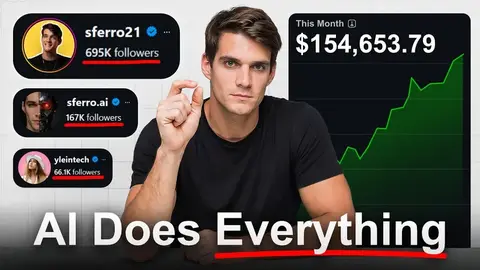
 HeyGenFirst FollowersSimone Ferretti, AI Clone Pages3 Accounts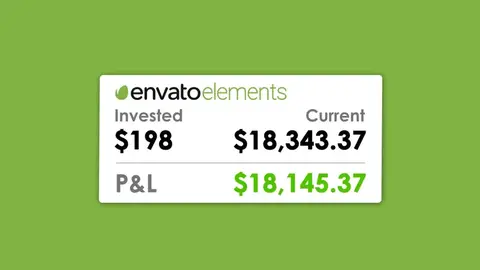
 EnvatoREACHFirst FollowersStock Templates for YouTube1,000followers
 Opus ClipFirst FollowersJunkGuy, AI Shorts Growth
 GrokREACHFirst FollowersViral Content Team58Kviews
 HootsuiteREACHFirst FollowersOwlyWriter AI3.6Kviews
Featured on Starbelo
Is this your work? Share it, or add the badge to your site.

<a href="https://starbelo.com/use-case/applorable-how-to-use-buffer/" target="_blank" rel="noopener"><img src="https://starbelo.com/badge/featured-on-starbelo.svg" alt="Featured on Starbelo" width="220" height="48"></a>
Something wrong or out of date? Email [email protected] and we will fix it.