


















Cut a Same-Day Product Demo Video in ElevenLabs Studio 4.0: 10K Views
The Short Version
How DesignCourse (YouTube) reached 10K views on YouTube with ElevenLabs, according to YouTube (DesignCourse).
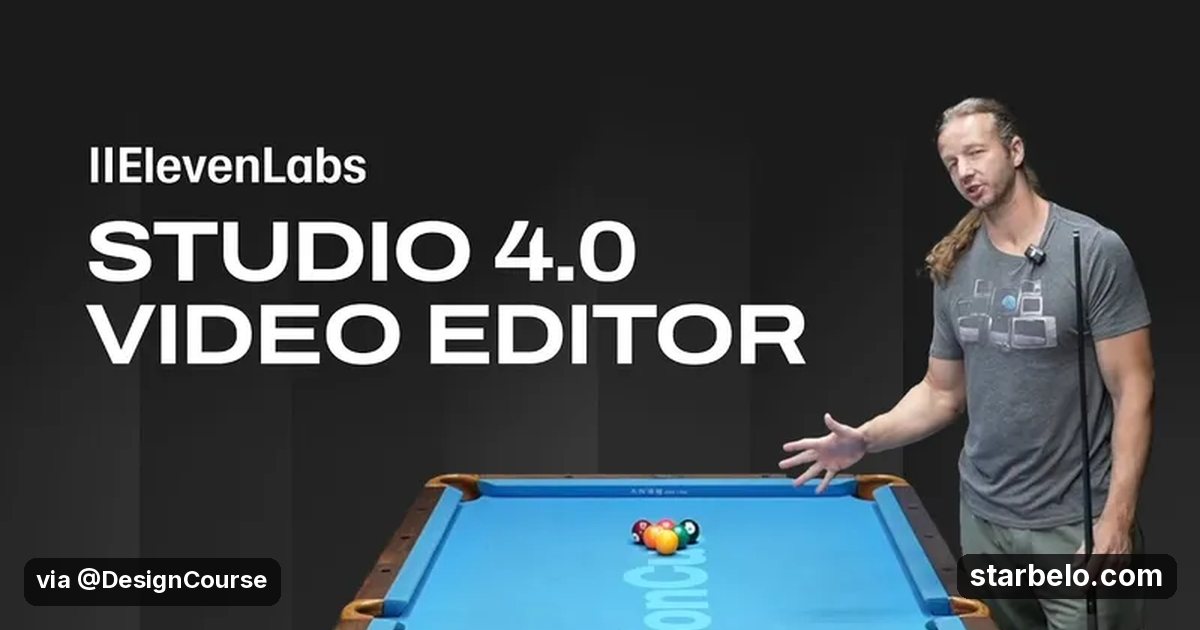
- What: DesignCourse needed a demo video for a new feature of his pool table projection app the same day, so he cut it in ElevenLabs Studio 4.0: layered timeline, frame-level zoom, editable captions, music and sound effects generated on the timeline, and a Studio Agent for the first pass.
- Result: 9,955 views on YouTube.
- Made with: ElevenLabs
| Who | DesignCourse (YouTube) |
|---|---|
| Tool | ElevenLabs |
| Revenue | Monetization status unknown |
| Source | YouTube (DesignCourse) |



Try It Yourself
(Our template, not the creator's prompt.) I need a 45-second demo video for [app or feature]. Give a shot list with what is on screen, the caption for each shot, and one sound effect and a music mood for the opening and the closing.
Starter tools
Your first step
Open ElevenLabs, paste the prompt above and swap the [brackets] for your own niche.
Affiliate links above; see Disclosure.
Go deeper
The workflow
Made With
Some links are affiliate links: Starbelo may earn a commission at no extra cost to you. Disclosure.
Where & With What
What They Did
- 1The moveDesignCourse needed a demo video for a new feature of his pool table projection app the same day, so he cut it in ElevenLabs Studio 4.0: layered timeline, frame-level zoom, editable captions, music and sound effects generated on the timeline, and a Studio Agent for the first pass.
- 2The setupDrop your clips on a layered timeline
- 3The makingLet the Studio Agent lay out a first pass
- 4Result9,955 views on YouTube.
How it works and what you need
How it works
- Drop your clips on a layered timeline
- Let the Studio Agent lay out a first pass
- Fix captions and cut on the key frame
- Add music and sound effects on the timeline
What you need
- ElevenLabs: AI voice-over (free plan)
- An account on YouTube & Shorts
Quick Answers
What tools do you need?
ElevenLabs (ai voice-over).
How much does it cost?
You can start for $0: ElevenLabs has a free plan. Check each tool's site for current prices.
Is it allowed?
Yes, if it is original. YouTube does not monetize mass-produced or repetitive content. Source.
Watch out: This is a sponsored walkthrough. Test it on one real project before you move your whole workflow.
Full write-up & sources
Results: Sponsored by ElevenLabs, per the description.
Related Guides & Hubs
People Also Searched
What to Try Next

More Like This
 ClaudeAI WorkflowsHiggsfield, ElevenLabs Stack
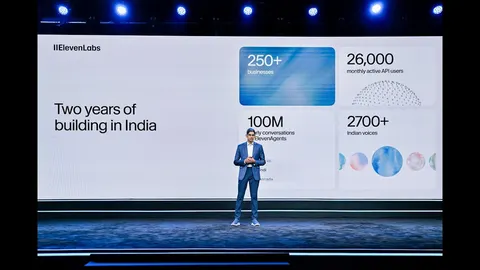 ElevenLabsREACHAI WorkflowsVoice Agents India14.4Kviews
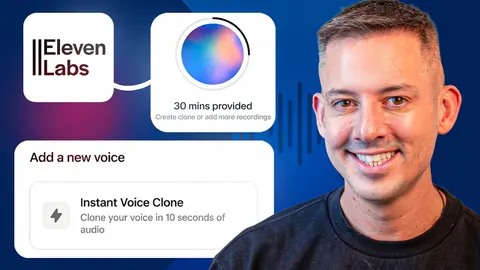 ElevenLabsREACHAI WorkflowsPhil Pallen Voice Clone3.6Kviews
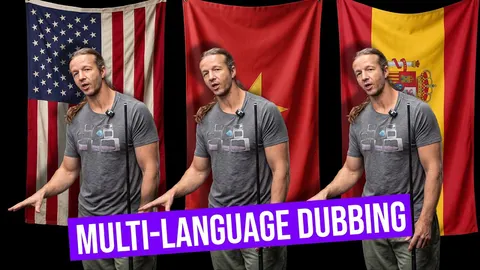 ElevenLabsREACHAI WorkflowsDesignCourse AI Dubbing7.5Kviews
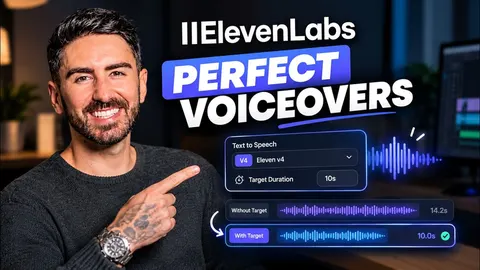 ElevenLabsREACHAI WorkflowsAI Zayan ElevenLabs V4 Duration33.8Kviews
 ElevenLabsREACHAI WorkflowsKamran ElevenLabs Voice Agents3.7Kviews
 ElevenLabsREACHAI WorkflowsArtturi ElevenLabs Flows3.2Kviews
 ElevenLabsREACHAI WorkflowsTechyBro ElevenLabs MCP98.8Kviews
Featured on Starbelo
Is this your work? Share it with your audience.
Something wrong or out of date? Email [email protected] and we will fix it.
Paste this on your site, link in bio page or newsletter. It links back to this page. How the badge works
<a href="https://starbelo.com/use-case/designcourse-elevenlabs-studio-4-ai-video-editing-demo/?utm_source=badge&utm_medium=embed&utm_campaign=designcourse-elevenlabs-studio-4-ai-video-editing-demo" title="Featured on Starbelo"><img src="https://starbelo.com/badge/featured-on-starbelo.svg" alt="Featured on Starbelo" width="220" height="48"></a>