





















Reframe Shorts Professionally With Klap Layouts: 4.4K Views
 See how creators use KlapReal creator cases
The Short Version
How MJTech001 (YouTube) reached 4.4K views on YouTube with Klap, according to YouTube (MJTech001).
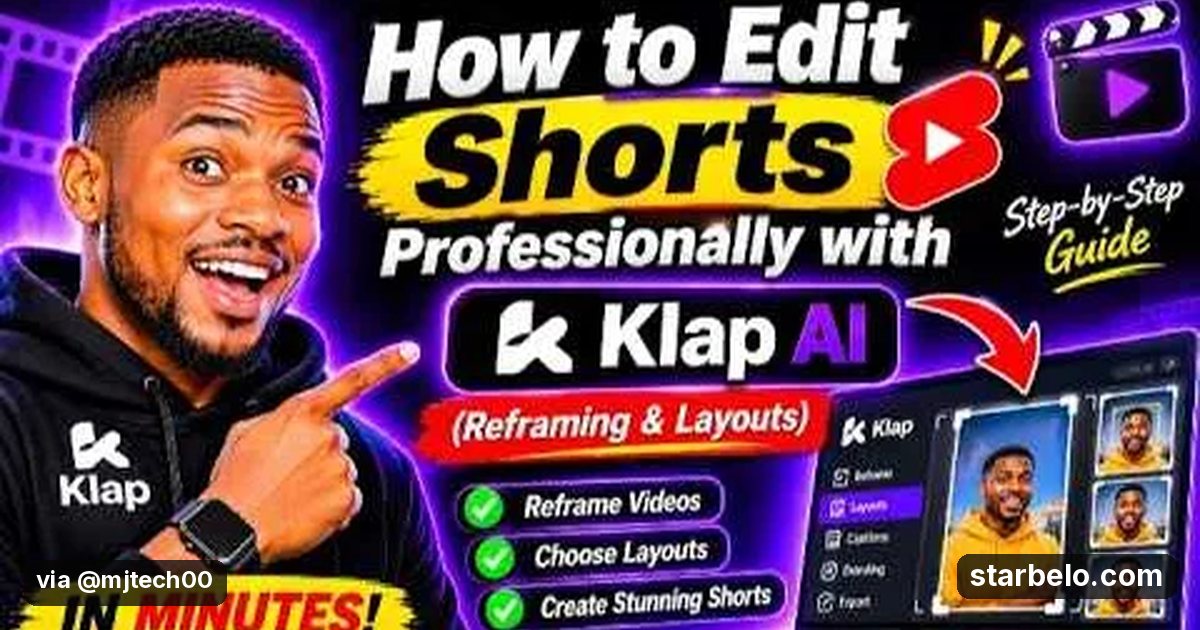
- What: MJTech001 walks through Klap's reframing and layout tools for Shorts: fixing awkward crops, speaker tracking, split-screen multi-speaker layouts and safe zones so vertical clips look finished instead of auto-cropped.
- Result: 4,439 views on YouTube, posted Nov 4, 2026.
- Made with: Klap
| Who | MJTech001 (YouTube) |
|---|---|
| Tool | Klap |
| Revenue | Monetization status unknown |
| Source | YouTube (MJTech001) |




Try It Yourself
(Our template, not the creator's prompt.) My clip has [one speaker / two speakers / a screen share]. Suggest a 9:16 layout, where the face should sit, and 4 words of on-screen text that stay inside safe zones.
Starter tools
Your first step
Open Klap, paste the prompt above and swap the [brackets] for your own niche.
Affiliate links above; see Disclosure.
Go deeper
The workflow
Made With
Some links are affiliate links: Starbelo may earn a commission at no extra cost to you. Disclosure.
Where & With What
What They Did
- 1The moveMJTech001 walks through Klap's reframing and layout tools for Shorts: fixing awkward crops, speaker tracking, split-screen multi-speaker layouts and safe zones so vertical clips look finished instead of auto-cropped.
- 2The setupOpen a clip in Klap
- 3The makingAdjust reframing and speaker tracking
- 4Result4,439 views on YouTube, posted Nov 4, 2026.
How it works and what you need
How it works
- Open a clip in Klap
- Adjust reframing and speaker tracking
- Try a split-screen layout if needed
- Export and check it on a phone
What you need
- Klap: AI clipper that turns long videos into vertical shorts with virality scores, reframing and captions (free plan)
- An account on YouTube & Shorts
Quick Answers
What tools do you need?
Klap (ai clipper that turns long videos into vertical shorts with virality scores, reframing and captions).
How much does it cost?
You can start for $0: Klap has a free plan. Check each tool's site for current prices.
Is it allowed?
Yes, if it is original. YouTube does not monetize mass-produced or repetitive content. Source.
Watch out: Layout options vary by plan and by how many people are on screen. Check safe zones on a phone.
Full write-up & sources
Worth knowing: Learning layouts and speaker tracking is what makes AI Shorts look professional.
Related Guides & Hubs
People Also Searched
What to Try Next
More Like This
 KlapREACHAI WorkflowsMevesa Klap Review97.7Kviews
 KlapREACHAI WorkflowsDivine AI Verse Klap Beginner7.8Kviews
 KlapREACHAI WorkflowsOG Raphael Klap Tutorial3.9Kviews
 KlapREACHAI WorkflowsEthan Mercer Klap Review24.4Kviews
 KlapREACHAI WorkflowsCAPITAL R Klap Shorts14Kviews
 KlapREACHAI WorkflowsDestiny Hustle Klap Review9.5Kviews
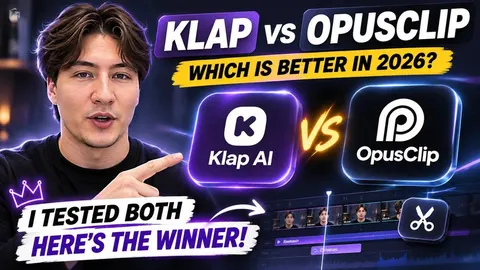 KlapREACHAI WorkflowsAlex Nord Klap vs OpusClip32Kviews
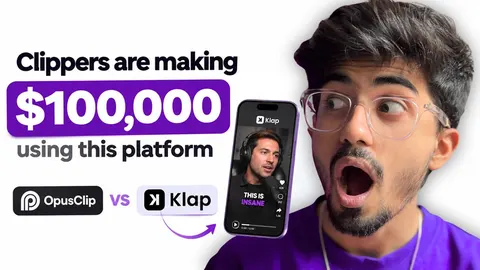 KlapREACHAI WorkflowsAli Solanki Klap vs OpusClip5.8Kviews
Featured on Starbelo
Is this your work? Share it with your audience.
Something wrong or out of date? Email [email protected] and we will fix it.
Paste this on your site, link in bio page or newsletter. It links back to this page. How the badge works
<a href="https://starbelo.com/use-case/mjtech-klap-professional-shorts-reframe/?utm_source=badge&utm_medium=embed&utm_campaign=mjtech-klap-professional-shorts-reframe" title="Featured on Starbelo"><img src="https://starbelo.com/badge/featured-on-starbelo.svg" alt="Featured on Starbelo" width="220" height="48"></a>