




















Turn a PowerPoint Deck Into a Reusable Video Template With Synthesia
 See how creators use SynthesiaReal creator cases
The Short Version
How Synthesia (YouTube) reached 411 views on YouTube with Synthesia, according to YouTube (Synthesia).
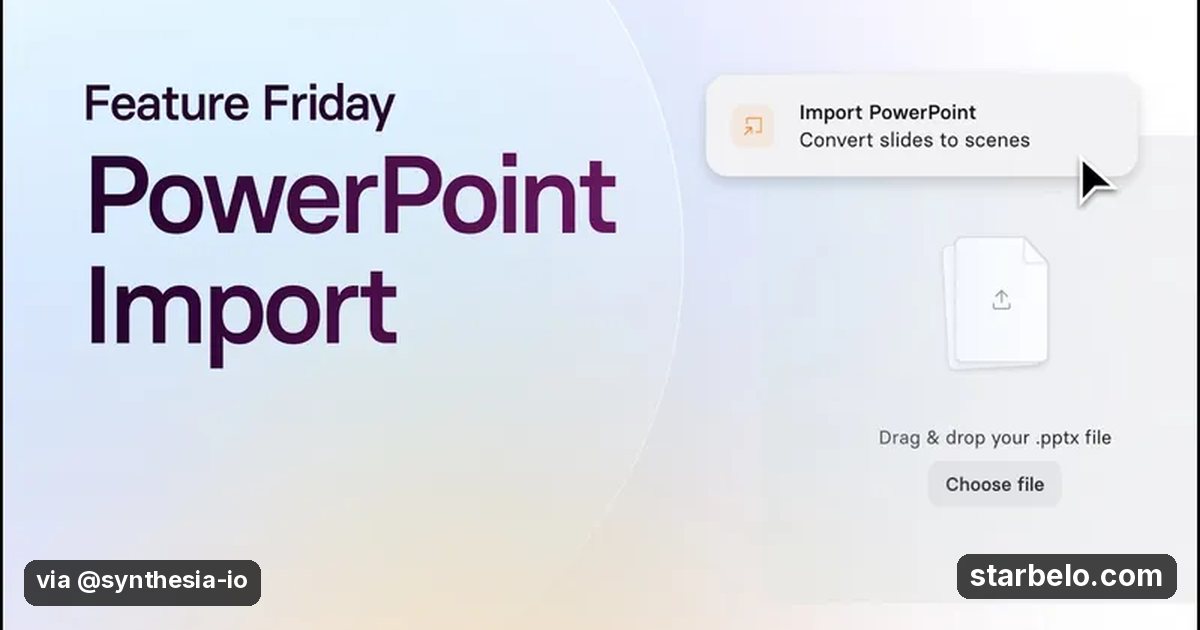
- What: Synthesia's official tutorial imports a PowerPoint deck as editable scenes, keeps the layouts and brand formatting, then reworks the slides so they play like a video instead of a narrated slideshow, and saves the result as a template to reuse.
- Result: 411 views on the official Synthesia channel, posted Oct 19, 2026.
- Made with: Synthesia
| Who | Synthesia (YouTube) |
|---|---|
| Tool | Synthesia |
| Revenue | Monetization status unknown |
| Source | YouTube (Synthesia) |




Try It Yourself
(Our template, not the creator's prompt.) Here are my slide titles and notes: [paste]. Turn them into a video script: one short scene per slide, max 25 spoken words each, and a note on what to cut from the slide so it reads well on video.
Starter tools
Your first step
Open Synthesia, paste the prompt above and swap the [brackets] for your own niche.
Affiliate links above; see Disclosure.
Go deeper
The workflow
Made With
Some links are affiliate links: Starbelo may earn a commission at no extra cost to you. Disclosure.
Want more plays like this?
Explore The $9 Creator PackOptional Starbelo product.
Where & With What
What They Did
- 1The moveSynthesia's official tutorial imports a PowerPoint deck as editable scenes, keeps the layouts and brand formatting, then reworks the slides so they play like a video instead of a narrated slideshow, and saves the result as a template to reuse.
- 2The setupImport the PowerPoint into Synthesia
- 3The makingRework slides as video scenes
- 4Result411 views on the official Synthesia channel, posted Oct 19, 2026.
How it works and what you need
How it works
- Import the PowerPoint into Synthesia
- Rework slides as video scenes
- Add the avatar and script
- Save it as a reusable template
What you need
- Synthesia: AI avatar videos from a script (free plan)
- An account on YouTube & Shorts
Quick Answers
What tools do you need?
Synthesia (ai avatar videos from a script).
How much does it cost?
You can start for $0: Synthesia has a free plan. Check each tool's site for current prices.
Is it allowed?
Yes, if it is original. YouTube does not monetize mass-produced or repetitive content. Source.
Watch out: Import is a head start, not a finished video. Cut text on every slide so the avatar and visuals carry it.
Full write-up & sources
Worth knowing: Turning them into short training or sales videos is easy work to sell.
Related Guides & Hubs
People Also Searched
What to Try Next
More Like This
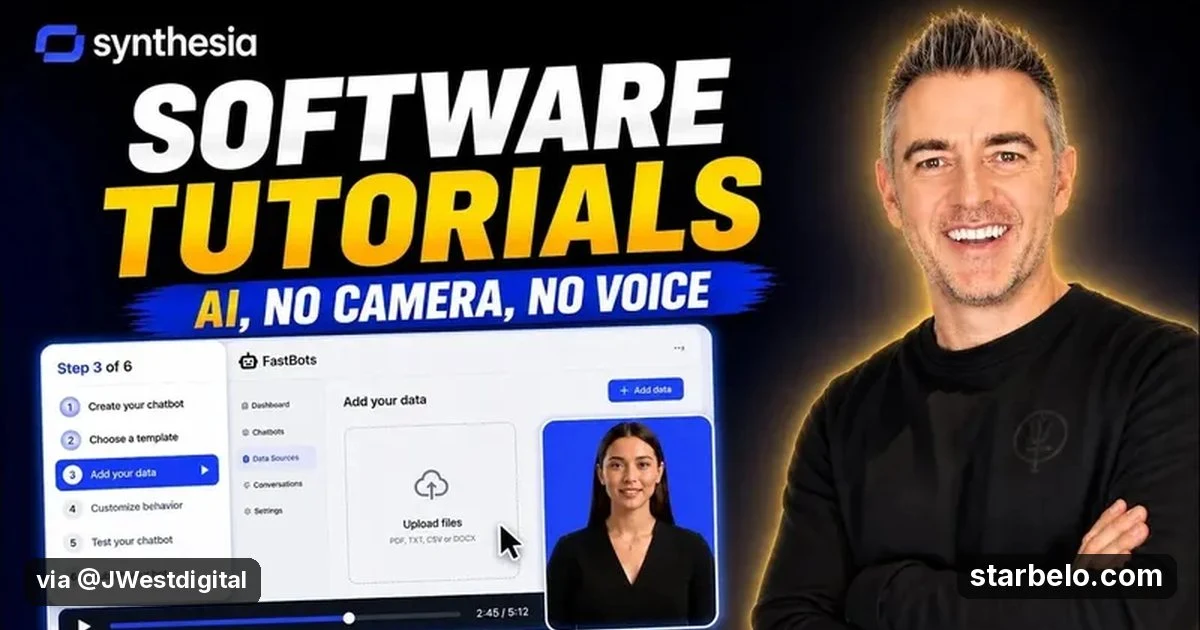
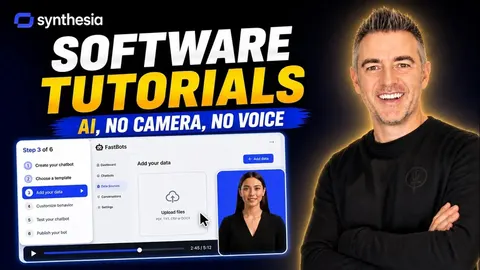 SynthesiaREACHAI WorkflowsSoftware Tutorials48.5Kviews
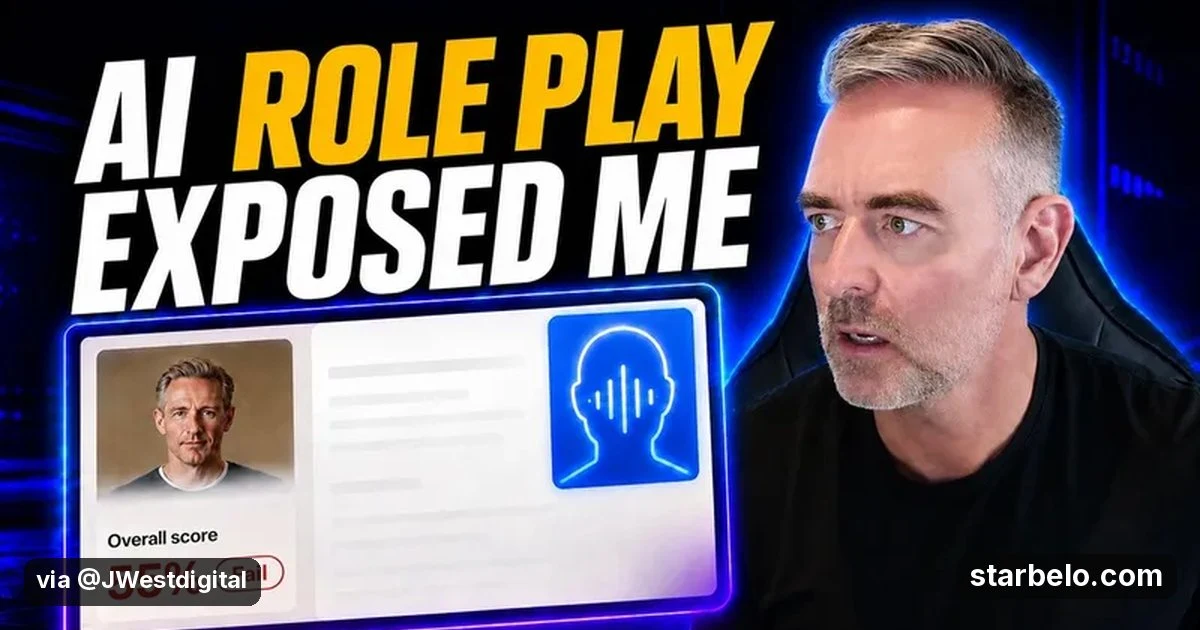
 SynthesiaREACHAI WorkflowsAI Roleplay69.3Kviews
 SynthesiaREACHAI WorkflowsJon Law Synthesia Roleplay179.7Kviews
 SynthesiaREACHAI WorkflowsInteractive Avatar12.2Kviews
 SynthesiaREACHAI WorkflowsAvatar Tutorial21.7Kviews
 SynthesiaREACHAI WorkflowsFuture Stack Synthesia16.8Kviews
 SynthesiaREACHAI WorkflowsSyren Launch2.7Kviews
 SynthesiaREACHAI WorkflowsRoleplay Avatars5.7Kviews
Featured on Starbelo
Is this your work? Share it with your audience.
Something wrong or out of date? Email [email protected] and we will fix it.
Paste this on your site, link in bio page or newsletter. It links back to this page. How the badge works
<a href="https://starbelo.com/use-case/synthesia-powerpoint-to-video-reusable-template-official/?utm_source=badge&utm_medium=embed&utm_campaign=synthesia-powerpoint-to-video-reusable-template-official" title="Featured on Starbelo"><img src="https://starbelo.com/badge/featured-on-starbelo.svg" alt="Featured on Starbelo" width="220" height="48"></a>