Animate One Part of Your YouTube Thumbnail With the Hover Hook Trick: 32.5K Views
 See how creators use vidIQ13 real creator cases
The Short Version
How vidIQ (YouTube) reached 32.5K views on YouTube with vidIQ, according to YouTube (vidIQ).
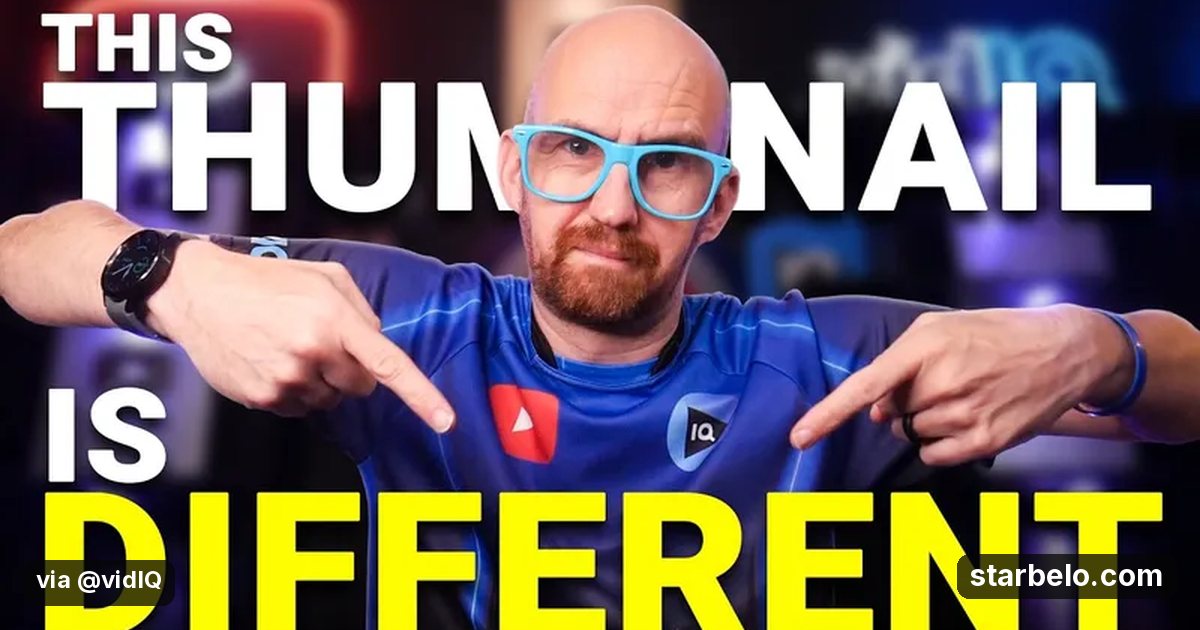
- What: vidIQ looks at creators who animate one element of their thumbnail so it moves in the feed.
- Result: 32,499 views on YouTube, posted by vidIQ on Nov 2, 2026.
- Made with: vidIQ
| Who | vidIQ (YouTube) |
|---|---|
| Tool | vidIQ |
| Revenue | Monetization status unknown |
| Source | YouTube (vidIQ) |




Try It Yourself
(Our template, not the creator's prompt.) My video is about [topic]. Suggest 5 hover hook ideas: which single element in the thumbnail should move, how it moves, and why it makes someone want to click.
Starter tools
Your first step
Open vidIQ, paste the prompt above and swap the [brackets] for your own niche.
Affiliate links above; see Disclosure.
Go deeper
The workflow
Made With
Some links are affiliate links: Starbelo may earn a commission at no extra cost to you. Disclosure.
Where & With What
What They Did
- 1The movevidIQ looks at creators who animate one element of their thumbnail so it moves in the feed.
- 2The setupPick one element that can move
- 3The makingBuild the animated thumbnail
- 4Result32,499 views on YouTube, posted by vidIQ on Nov 2, 2026.
How it works and what you need
How it works
- Pick one element that can move
- Build the animated thumbnail
- Test it on an older video
- Keep it if clicks go up
What you need
- vidIQ: YouTube keyword research and channel analytics (free plan)
- An account on YouTube & Shorts
Quick Answers
What tools do you need?
vidIQ (youtube keyword research and channel analytics).
How much does it cost?
You can start for $0: vidIQ has a free plan. Check each tool's site for current prices.
Is it allowed?
Yes, if it is original. YouTube does not monetize mass-produced or repetitive content. Source.
Watch out: Test it on a few videos before rolling it out, and keep the motion small and clear.
Full write-up & sources
More detail: The video explains why channels use the hover hook, shows how to make one, and tests it on old videos.
Related Guides & Hubs
People Also Searched
More Like This

 SunoREVENUEAI WorkflowsAI Music Niche Research$167,000earned503Kviews
 vidIQREACHAI WorkflowsAI vs Fiverr Editor20.2Kviews
 ClaudeAI WorkflowsPodcast Catalog to Daily Shorts

 Opus ClipAI Workflows40-Min Walkthrough to Shorts
 Opus ClipAI Workflows12 Clips in 8 Minutes12 Clips
 Opus ClipAI WorkflowsStand-Up Comedy Clips
 ClaudeAI WorkflowsHiggsfield, ElevenLabs Stack
 ClaudeAI Workflows90-Second Avatar Explainer
Featured on Starbelo
Is this your work? Share it, or add the badge to your site.

<a href="https://starbelo.com/use-case/vidiq-hover-hook-animated-thumbnails/" target="_blank" rel="noopener"><img src="https://starbelo.com/badge/featured-on-starbelo.svg" alt="Featured on Starbelo" width="220" height="48"></a>
Something wrong or out of date? Email [email protected] and we will fix it.