




















Make SaaS Demo Videos With Claude and ElevenLabs, No Editing
The Short Version
How Creator AI Academy (YouTube) reached 86 views on YouTube with ElevenLabs and Claude, according to YouTube (Creator AI Academy).
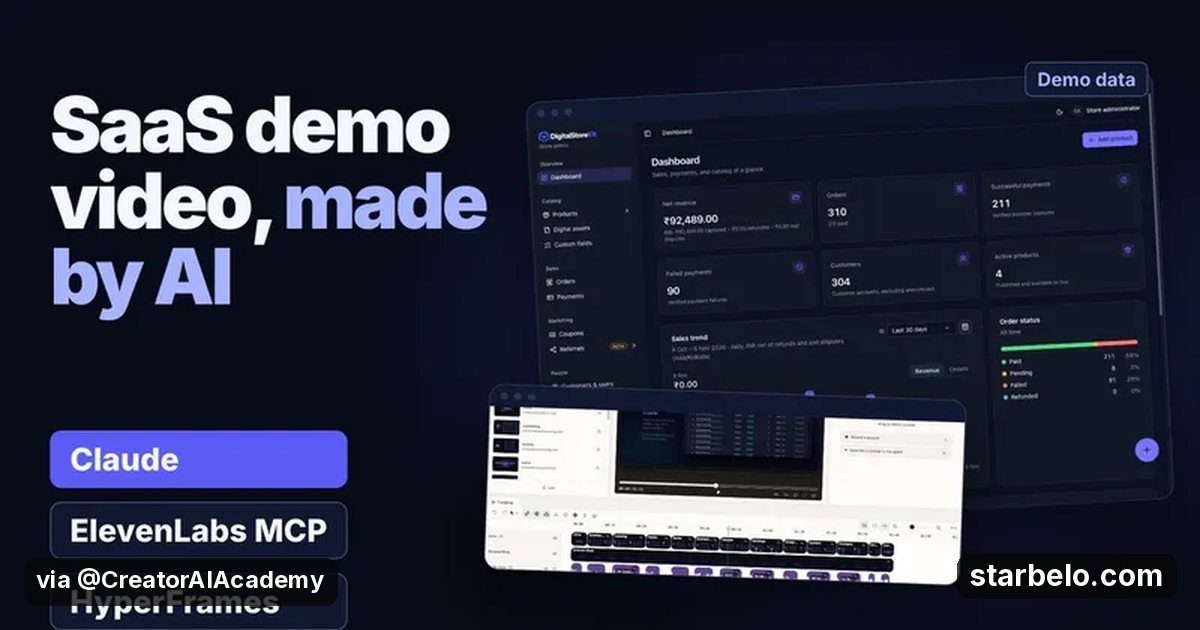
- What: Creator AI Academy builds a product demo video for a real SaaS app without opening an editor: Claude explores the app in Chrome and captures clean screens, ElevenLabs makes one voice clip per scene through MCP, and HyperFrames animates the screenshots into a rendered MP4.
- Result: 86 views on YouTube, posted Nov 7, 2026.
- Made with: ElevenLabs, Claude
| Who | Creator AI Academy (YouTube) |
|---|---|
| Tool | ElevenLabs, Claude |
| Revenue | Monetization status unknown |
| Source | YouTube (Creator AI Academy) |



Try It Yourself
(Our template, not the creator's prompt.) Here is my SaaS app and its main job: [describe]. Write a 60-second demo storyboard in 6 scenes: the screen to capture, the one caption on screen and one voiceover line under 20 words that matches it.
Starter tools
Your first step
Open Claude, paste the prompt above and swap the [brackets] for your own niche.
Affiliate links above; see Disclosure.
Go deeper
The workflow

Made With
Some links are affiliate links: Starbelo may earn a commission at no extra cost to you. Disclosure.
Want more plays like this?
Explore The $9 Creator PackOptional Starbelo product.
Where & With What
What They Did
- 1The moveCreator AI Academy builds a product demo video for a real SaaS app without opening an editor: Claude explores the app in Chrome and captures clean screens, ElevenLabs makes one voice clip per scene through MCP, and HyperFrames animates the screenshots into a rendered MP4.
- 2The setupConnect ElevenLabs to Claude with MCP
- 3The makingLet Claude capture the app screens
- 4Result86 views on YouTube, posted Nov 7, 2026.
How it works and what you need
How it works
- Connect ElevenLabs to Claude with MCP
- Let Claude capture the app screens
- Make one voice clip per scene
- Animate and render the demo video
What you need
- ElevenLabs: AI voice-over (free plan)
- Claude: Anthropic's AI assistant for writing, products and building small tools (free plan)
- An account on YouTube & Shorts
Quick Answers
What tools do you need?
ElevenLabs (ai voice-over); Claude (anthropic's ai assistant for writing, products and building small tools).
How much does it cost?
You can start for $0: ElevenLabs, Claude have a free plan. Check each tool's site for current prices.
Is it allowed?
Yes, if it is original. YouTube does not monetize mass-produced or repetitive content. Source.
Watch out: Check the final file for timing, loudness and black frames before you deliver, as he does, and use the client's real product screens only.
Full write-up & sources
More detail: He shows the steps that failed the first time too.
Worth knowing: This is a repeatable service you can sell to founders.
Related Guides & Hubs
People Also Searched
What to Try Next
More Like This
 ClaudeAI WorkflowsHiggsfield, ElevenLabs Stack
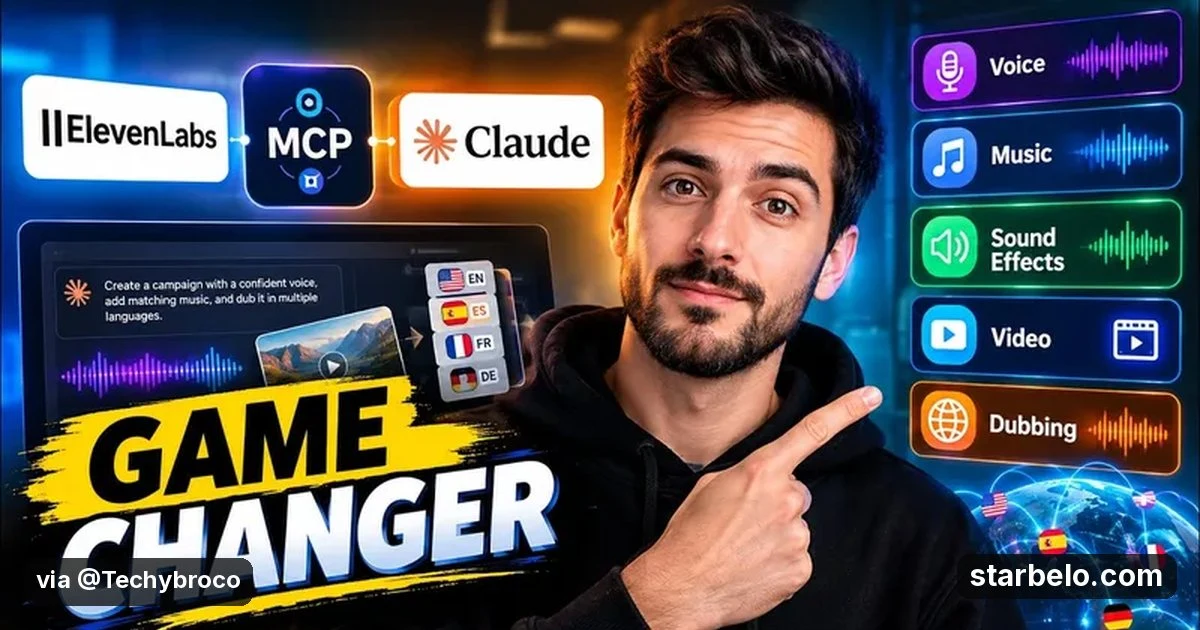
 ElevenLabsREACHAI WorkflowsTechyBro ElevenLabs MCP98.8Kviews
 ElevenLabsREACHAI WorkflowsJordan Orme ElevenLabs MCP76.3Kviews
 ElevenLabsREACHAI WorkflowsTaylor Jackson ElevenCreative40.7Kviews
 ElevenLabsREACHAI WorkflowsAI Picks ElevenLabs MCP16.6Kviews
 vidIQREACHAI WorkflowsMatt Wolfe Claude Editing86Kviews
 ElevenLabsREACHAI WorkflowsRakin Claude Code ElevenLabs Dub311views
 ElevenLabsREACHAI WorkflowsTechAvtar News Shorts Pipeline51views
Featured on Starbelo
Is this your work? Share it with your audience.
Something wrong or out of date? Email [email protected] and we will fix it.
Paste this on your site, link in bio page or newsletter. It links back to this page. How the badge works
<a href="https://starbelo.com/use-case/creator-ai-academy-saas-demo-video-claude-elevenlabs-mcp/?utm_source=badge&utm_medium=embed&utm_campaign=creator-ai-academy-saas-demo-video-claude-elevenlabs-mcp" title="Featured on Starbelo"><img src="https://starbelo.com/badge/featured-on-starbelo.svg" alt="Featured on Starbelo" width="220" height="48"></a>