





















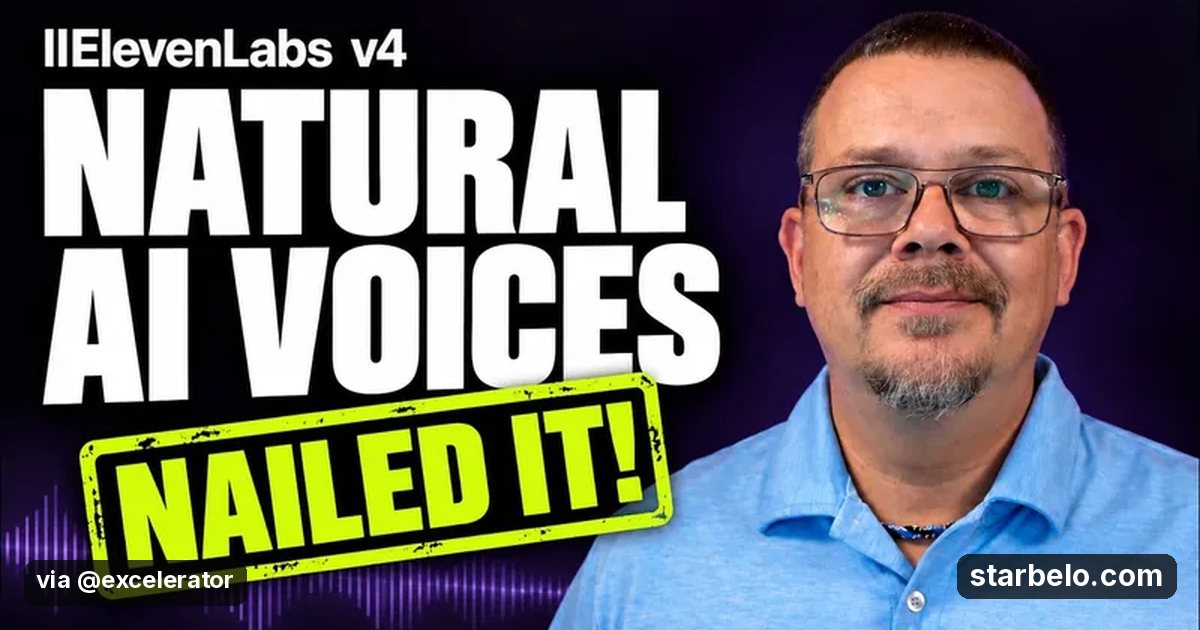
Direct ElevenLabs v4 Emotion With Audio Tags: 1.1K Views
The Short Version
How Excelerator (YouTube) reached 1.1K views on YouTube with ElevenLabs, according to YouTube (Excelerator).
- What: Excelerator shows how Eleven v4 handles natural emotion and delivery, using the same line with different audio tags, Auto Tag and punctuation so you can hear how direction changes the take.
- Result: 1,150 views on YouTube, posted Oct 14, 2026.
- Made with: ElevenLabs
| Who | Excelerator (YouTube) |
|---|---|
| Tool | ElevenLabs |
| Revenue | Monetization status unknown |
| Source | YouTube (Excelerator) |



Try It Yourself
(Our template, not the creator's prompt.) Rewrite this line so Eleven v4 can act it: [paste line]. Give 3 versions with different emotions and the audio tags or punctuation to use for each.
Starter tools
Your first step
Open ElevenLabs, paste the prompt above and swap the [brackets] for your own niche.
Affiliate links above; see Disclosure.
Go deeper
The workflow
Made With
Some links are affiliate links: Starbelo may earn a commission at no extra cost to you. Disclosure.
Where & With What
What They Did
- 1The moveExcelerator shows how Eleven v4 handles natural emotion and delivery, using the same line with different audio tags, Auto Tag and punctuation so you can hear how direction changes the take.
- 2The setupPaste one line into ElevenLabs v4
- 3The makingTry Auto Tag and your own tags
- 4Result1,150 views on YouTube, posted Oct 14, 2026.
How it works and what you need
How it works
- Paste one line into ElevenLabs v4
- Try Auto Tag and your own tags
- Compare the takes
- Keep the delivery that fits your scene
What you need
- ElevenLabs: AI voice-over (free plan)
- An account on YouTube & Shorts
Quick Answers
What tools do you need?
ElevenLabs (ai voice-over).
How much does it cost?
You can start for $0: ElevenLabs has a free plan. Check each tool's site for current prices.
Is it allowed?
Yes, if it is original. YouTube does not monetize mass-produced or repetitive content. Source.
Watch out: Tag support and quality vary by voice and plan. Listen to every take before you publish.
Full write-up & sources
Worth knowing: Hearing the same line played several ways teaches you faster than a settings list.
Related Guides & Hubs
People Also Searched
What to Try Next

More Like This
 ClaudeAI WorkflowsHiggsfield, ElevenLabs Stack
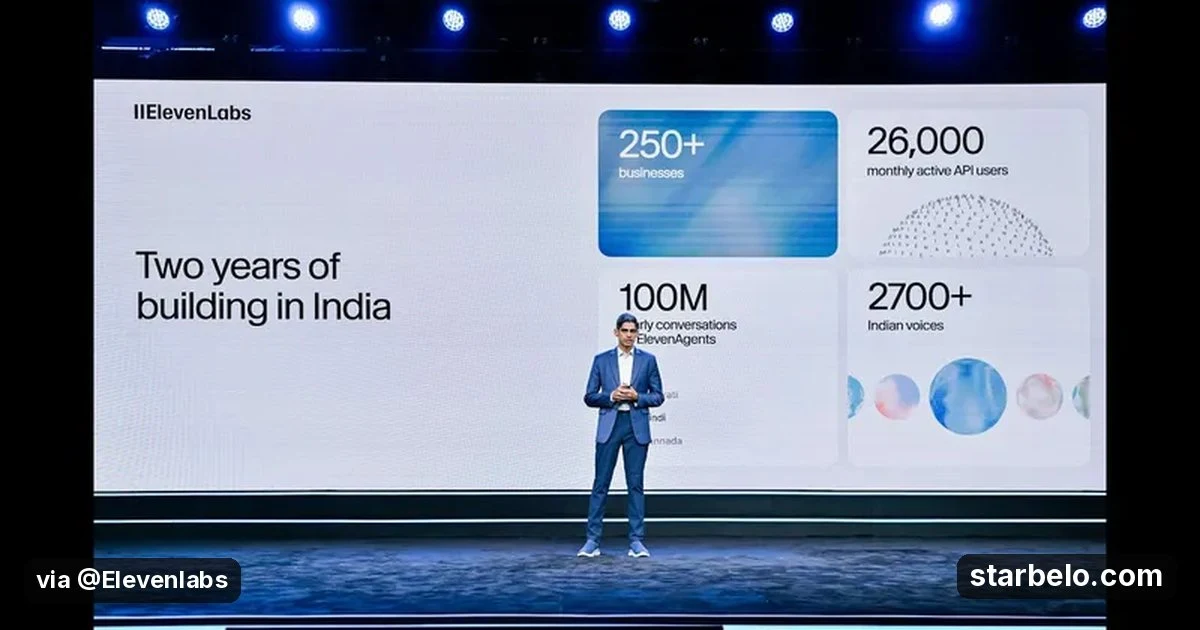
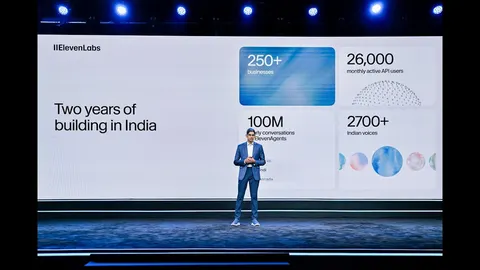 ElevenLabsREACHAI WorkflowsVoice Agents India14.4Kviews
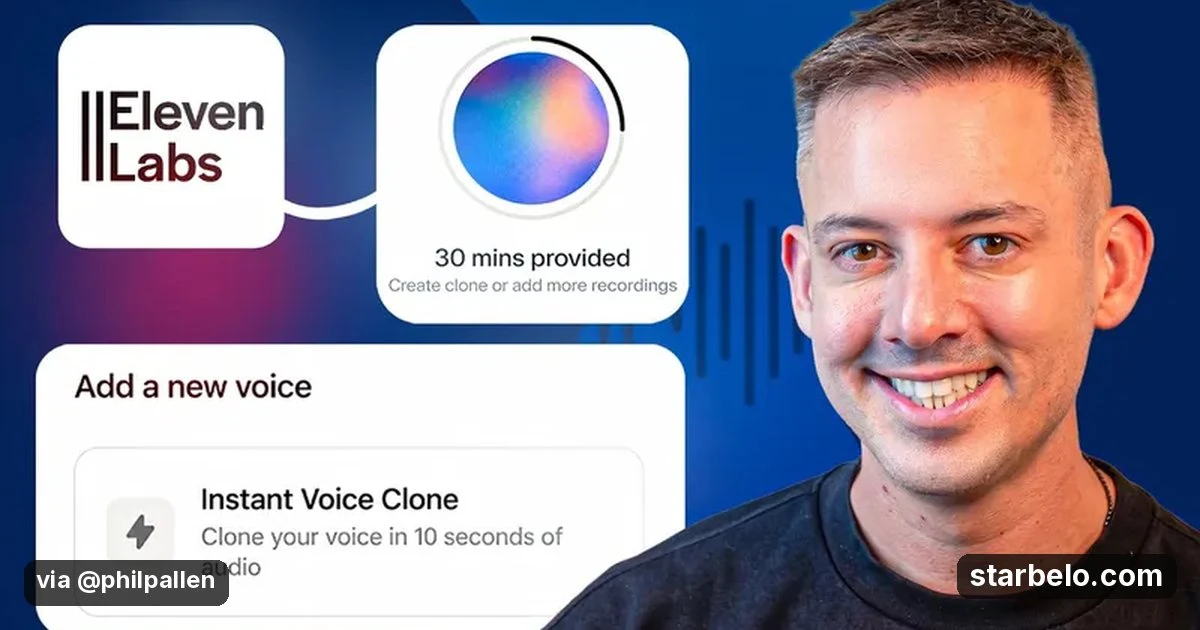
 ElevenLabsREACHAI WorkflowsPhil Pallen Voice Clone3.6Kviews
 ElevenLabsREACHAI WorkflowsDesignCourse AI Dubbing7.5Kviews
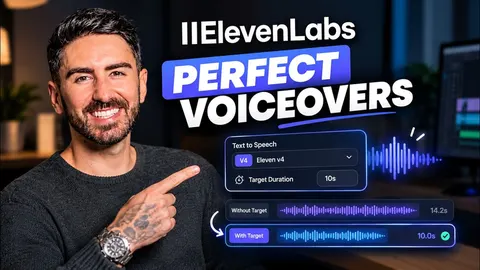 ElevenLabsREACHAI WorkflowsAI Zayan ElevenLabs V4 Duration33.8Kviews
 ElevenLabsREACHAI WorkflowsDesignCourse ElevenLabs Studio10Kviews
 ElevenLabsREACHAI WorkflowsKamran ElevenLabs Voice Agents3.7Kviews
 ElevenLabsREACHAI WorkflowsArtturi ElevenLabs Flows3.2Kviews
Featured on Starbelo
Is this your work? Share it with your audience.
Something wrong or out of date? Email [email protected] and we will fix it.
Paste this on your site, link in bio page or newsletter. It links back to this page. How the badge works
<a href="https://starbelo.com/use-case/excelerator-elevenlabs-v4-natural-emotion/?utm_source=badge&utm_medium=embed&utm_campaign=excelerator-elevenlabs-v4-natural-emotion" title="Featured on Starbelo"><img src="https://starbelo.com/badge/featured-on-starbelo.svg" alt="Featured on Starbelo" width="220" height="48"></a>