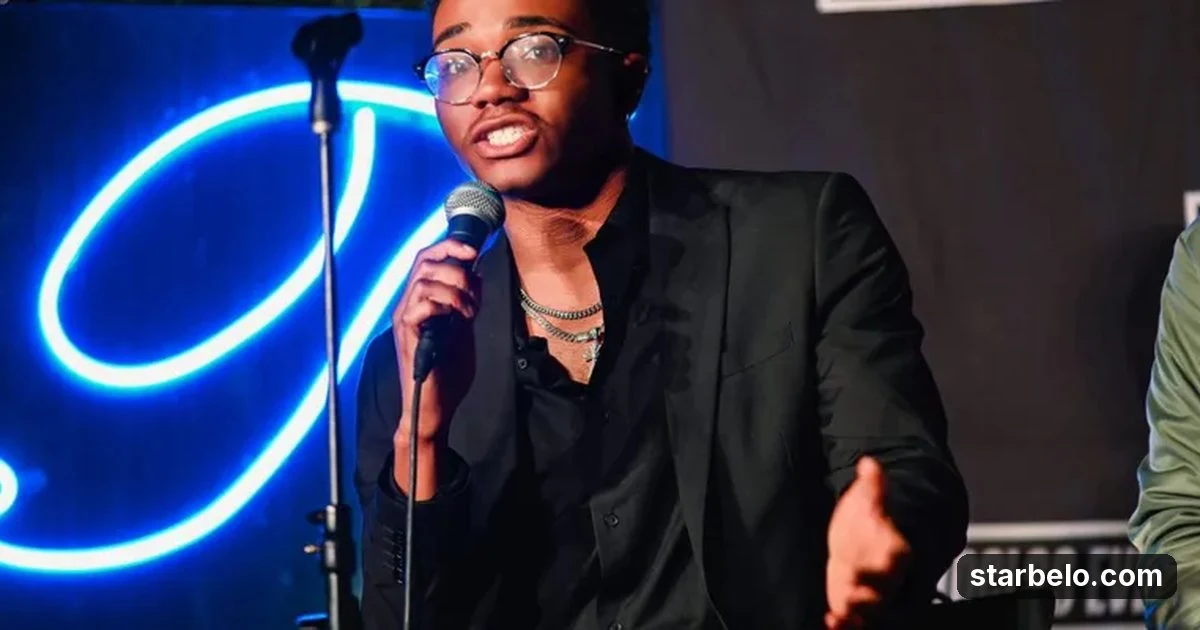
Run a 2D animation faceless YouTube channel with a 4-tool stack
One tool per step (script, voice, production, thumbnail) turns a channel into a repeatable upload routine.
CSee how creators use Claude86 real creator casesFrom @Adam_DelDuca on X (@Adam_DelDuca) · Nov 2026 · Share

The Short Version
How Adam (@Adam_DelDuca) did it with Claude, TubeGen, Pikzels and ElevenLabs: The post shares the stack only, with no earnings or view figures.
- What: Adam shared the stack behind his 2D animation faceless YouTube channel: "My 2D animation faceless channel stack.
- Result: The post shares the stack only, with no earnings or view figures.
- Made with: Claude, TubeGen, Pikzels, ElevenLabs
| Who | Adam (@Adam_DelDuca) |
|---|---|
| Tool | Claude, TubeGen, Pikzels, ElevenLabs |
| Revenue | Monetization status unknown |
| Source | X (@Adam_DelDuca) |


Try It Yourself
(Our template, not the creator's prompt.) Write a 1,500-word script for a 2D animated faceless YouTube video about [topic]. Open with a 10-second hook, split it into scenes of 2 to 3 sentences, and add one simple visual description per scene for the animator.
Your first step
Open Claude, paste the prompt above and swap the [brackets] for your own niche.
Affiliate links above; see Disclosure.
Go deeper
The workflow

Made With
Some links are affiliate links: Starbelo may earn a commission at no extra cost to you. Disclosure.
Where & With What
What They Did
- 1The moveAdam shared the stack behind his 2D animation faceless YouTube channel: "My 2D animation faceless channel stack.
- 2The setupWrite the script with Claude
- 3The makingRecord the voiceover with an AI voice tool
- 4ResultThe post shares the stack only, with no earnings or view figures.
How it works and what you need
How it works
- Write the script with Claude
- Record the voiceover with an AI voice tool
- Turn script and voice into an animated video with TubeGen
- Make the thumbnail with Pikzels, then upload on a steady schedule
What you need
- Claude: Anthropic's AI assistant for writing, products and building small tools (free plan)
- TubeGen: AI YouTube video production for faceless channels: script to finished video
- Pikzels: AI YouTube thumbnail maker: prompt, recreate, score and fix thumbnails
- ElevenLabs: AI voice-over (free plan)
- An account on YouTube & Shorts
- An account on X
Quick Answers
What tools do you need?
Claude (anthropic's ai assistant for writing, products and building small tools); TubeGen (ai youtube video production for faceless channels: script to finished video); Pikzels (ai youtube thumbnail maker: prompt, recreate, score and fix thumbnails); ElevenLabs (ai voice-over).
How much does it cost?
You can start for $0: Claude, ElevenLabs have a free plan. TubeGen, Pikzels are paid or trial-based. Check each tool's site for current prices.
Is it allowed?
Yes, if it is original. YouTube does not monetize mass-produced or repetitive content. Source.
Watch out: YouTube's rules on inauthentic, mass-produced and repetitive content can demonetize channels that pump out near-identical AI videos. Add your own angle, research and editing to every upload.
Full write-up & sources
More detail: Scripts - Claude. Voiceover - GenAIPro. Production - TubeGen. Thumbnails - Pikzels. Four tools that make uploading easy". His voice tool was GenAIPro; ElevenLabs is the mainstream voice option for the same step.
Related Guides & Hubs
People Also Searched
More Like This
 ClaudeFaceless ContentAdavia Davis, Faceless Channel Network
 ChatGPTFaceless Content$74 a Month Faceless Channel
 ClaudeREVENUEFaceless ContentFaceless Story Channel$10,000earned
 ClaudeREVENUEFaceless ContentAI-Hosted Tutorial Channel$4,200earned
 Revid AIREACHFaceless ContentChannel Revival32Kviews86followers
 XREACHFaceless ContentAI Channel16Mviews290saves
 vidIQREVENUEFaceless ContentOutlier-Led Faceless Channel$65,000/moearned35.2Kviews
 ElevenLabsREVENUEFaceless ContentAI Avatar Channel, Cloned Voice$20,000earned37.1Kviews
Featured on Starbelo
Is this your work? Share it, or add the badge to your site.


<a href="https://starbelo.com/use-case/adam-delduca-2d-animation-faceless-youtube-4-tool-stack/" target="_blank" rel="noopener"><img src="https://starbelo.com/badge/featured-on-starbelo.svg" alt="Featured on Starbelo" width="220" height="48"></a>
Something wrong or out of date? Email [email protected] and we will fix it.